|



Perfect_Form
-
Posts
11 -
Joined
-
Last visited
Perfect_Form's Achievements

Advanced Member (2/5)
0
Reputation
-
Yeah, I just figured this out, as well. Also, don't worry about the Jaguar thing, I only want to play one game on there anyways...AvP. Now, if I could just get the Xbox 360 controller for windows to work properly... You wouldn't happen to know how to adjust the deadzone for the 360 controller, would you? I've tried XBCD drivers, but they won't load. I might just go the JoyToKey route. Thanks so much! PF
-
Could the difference be that my nullDC version is beta 1.6? Are you using beta 1.5? I will try your cfg, and get back to you. Thanks, PF EDIT: Nope, tried your config and I still get an error. I guess that narrows it down to either GameEx or the version of nullDC I'm using.

-
Here are my configs. I had to zip them, to upload them. Configs.zip
-
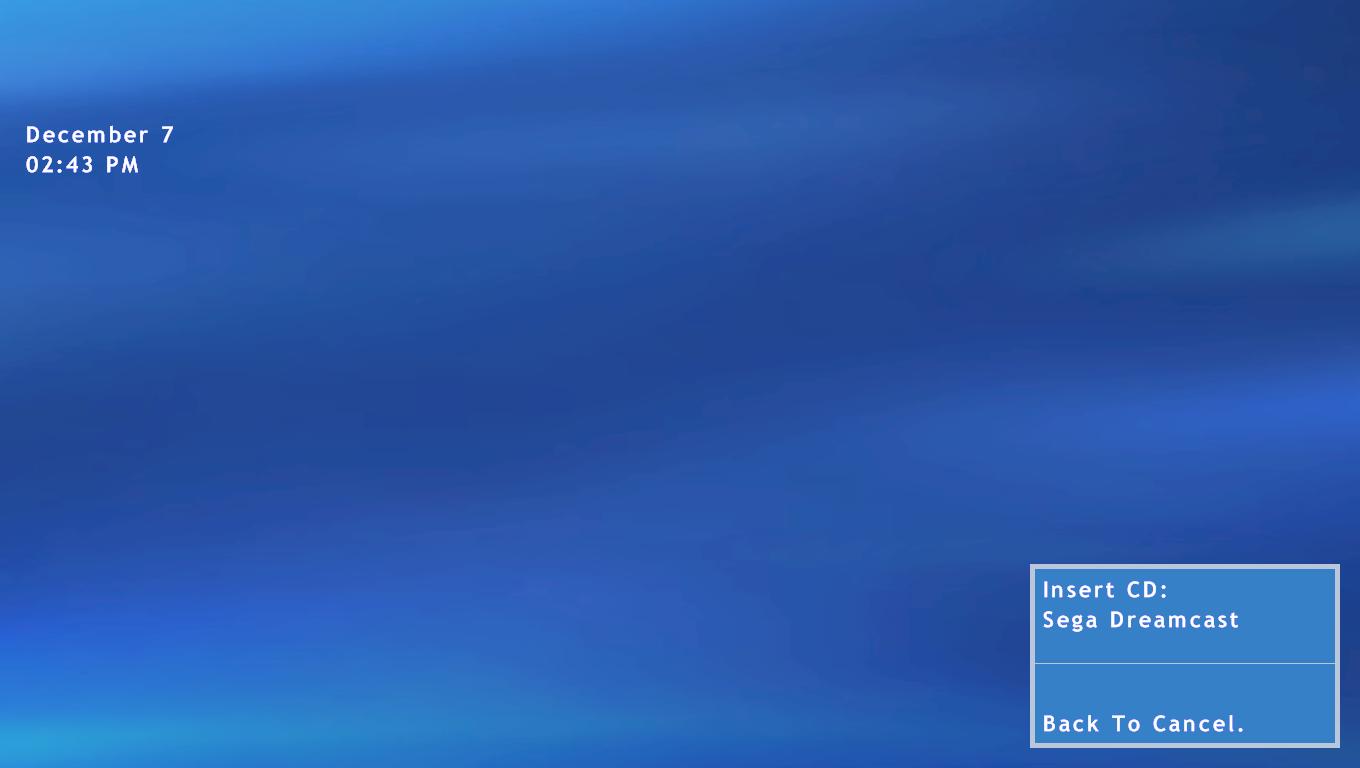
Sorry about being vague. Both null DC and Project Tempest work outside of GameEx, via manually loading games. Here are the problems I encounter with each: null DC: Asks me to insert Dreamcast CD. It's set up to load the default.cdi, and if I understand correctly, GameEx is set to change that to [ROMPATH]/[ROMFILE]. Now, null DC says it cannot find Default Image. Project Tempest: After enabling the desktop to show, I get a window (should be Fullscreen) and it is just black. Image does not load properly. Thanks, PF
-
Ok, I tried setting them up again last night using the suggestions, but they still didn't work.
-
I'll have to mess around with null DC, when I get home tonight. As for the Jaguar, I tried Virtual Jaguar first, but couldn't get that to work at all. Oh, and I'm using .jag files.
-
1) I tried that with null DC, but it didn't work. I may have turned off the image loader when trying to use Daemon Tools, though. 2) No the Jaguar files are not zipped. Fullscreen works when I run outside of GameEx, but I think it defaults back to window. I can't seem to find a cfg file either. Thanks, PF
-
Hello, I'm currently trying to setup null DC and Project Tempest to work with GameEx. I tried using Chankast for Dreamcast, but that didn't seem to run as well as null DC, outside of GameEx. Here are some problems I'm having. null DC: When I run it from GameEx, it always asks for a CD. If I set it up to mount the image, it makes my game list disappear. Project Tempest: I can't get the games to launch fullscreen, so I always get a black screen hiding the window. That's all I can think of, off the top of my head. Perfect_Form
-
How do you force emulators to launch Fullscreen?
Perfect_Form replied to Perfect_Form's topic in General
Yeah, I'm using Vista because it has Media Center, and I don't have a copy of XP MCE. Luckily, I just found an alternative to disabling UAC (the annoying "Cancel or Allow" thing). "Click Start and Control Panel. Switch to Classic View (if you haven't already) and click on the Administration Tools icon. In the list that opens click on Local Security Policy, and in the next window, Local Policies (a tiny bit redundant, but all UIs can't be perfect -- If UAC is running you'll get a UAC pop-up somewhere in here). In the Local Policies list click Security Options, and scroll down to "User Account Control: Behavior" (the full title of the policy is "User Account Control: Behavior of the elevation prompt for administrators in Admin Approval Mode" but the window barely opens that far). Double-click the title and in the dialog box change its setting from "Prompt for Consent" to "Elevate without prompting." Click OK and the urge to tear your hair and scream at your PC will be greatly diminished in the future." Hopefully, this will get rid of my problem with UAC. Thanks again for the help! Perfect_Form -
How do you force emulators to launch Fullscreen?
Perfect_Form replied to Perfect_Form's topic in General
Thanks guys! I'm only using 3 emulators right now, so it should be easy. I'd set them up right now, if I wasn't stuck at work, lol! Oh, I almost forgot...if I remember correctly every time I launch GameEx from Vista MC, it asks if I want to run the program. Do you guys recommend turning off UAC in Vista with Media Center and GameEx installed? -
Hello, I'm currently testing GameEx on a Vista Media Center PC. I'm 90% sure I will choose to register GameEx, but to be sure, I have a few questions I would like answered. First of all, how can I make sure that the emulators launch Fullscreen? Is there something I have to do, like add something to the launch path? Secondly, I will be using 2 X-Arcade sticks for MAME and a 360 Controller for console emulation. Do these need to be set up for each emulator, within the emulator? BTW, I'm using NEStopia and ZSNES in addition to MAME, with the possibility of adding more emulators in the future. I haven't done a whole lot of testing, yet, but I'm impressed with this product's performance over the competition. Thanks, Perfect_Form