|



hellothere
-
Posts
99 -
Joined
-
Last visited
-
Days Won
1
Content Type
Profiles
Forums
Events
Downloads
Store
Articles
Everything posted by hellothere
-
[RESOLVED] Mupen 64 emulator - command line for full screen
hellothere replied to hellothere's topic in General
I tested and got it to work. You have to find the config file, mine was in C:/users/admin/appdata/roaming/mupen64 opened the GlideN64.ini file and changed video\fullscreen=0 to video\fullscreen=1 tried it in gameex and it works...thankyou all for your help! Happy Easter -
[RESOLVED] Mupen 64 emulator - command line for full screen
hellothere replied to hellothere's topic in General
I will give this a try. Thanks -
[RESOLVED] Mupen 64 emulator - command line for full screen
hellothere replied to hellothere's topic in General
I’ve tried it without much success. Mupen 64 seems to work without audio or graphics problems -
Hello, the emulator works, but in a windowed mode, what setting would push the emulator to fullscreen from gameex? thanks log and game ex config included log.txt GameEx.ini
-
ok I'll mess around with some of the settings
-
Thankyou Thankyou Thankyou!!! This works PERFECT!!! THANKS
-
As a side note: For Supermodel 3 emulator try Supermodels assistant = amazing simple frontend for Supermodel 3...wish I could add Supermodel Assistant to Gameex too!
-
This emulator is amazing, and simple to use...Only thing is Gameex doesnt have it as a selectable option when picking an emulator. How to I manually add redream as a selected emulator? GameEx.ini log.txt
-
anything further on this? Maybe I have to change the files to run as cd-rom? I'm hoping i can add a command line that forces epsxe to choose "file/run iso" instead of "file/run cdrom"
-
I setup my controls with my xbox 360 controller for gameex....works perfect! I then setup my controls for controlling mame games...mame works perfect! But now I cant control gameex unless I use the keyboard or the 2nd controlller. I reset my mame controls to default and gameex controls work. HELP!!! GameEx.ini log.txt
-
GameEx.ini log.txt
-
When loading epsxe from the emulator I choose file/run iso. I pick a rom and it works perfect. if I go to gameex and pick a rom then gameex picks file/run CDrom. Which just displays a ps1 controller on a black screen. how do I get gameex to pick run iso? thanks
-
What you mentioned worked but I’d have to do that for each game. in the advanced mame options and added... -resolution 800x600 now each mame game displays properly
-
Thanks. Your pretty amazing and helpful. I really appreciate it. I’ve been using retroarch fir most of my emulators. I always used to use individual ones for each system but then you have to configure each. Retro arch works well in gameex even fir Dreamcast. only trouble I’ve had is getting retroarch to with Ps1. Do you use retroarch or epsxe for ps1?
-
mame version is mame64.exe Sorry for the delay in getting the files you needed log.txt GameEx.ini
-
-
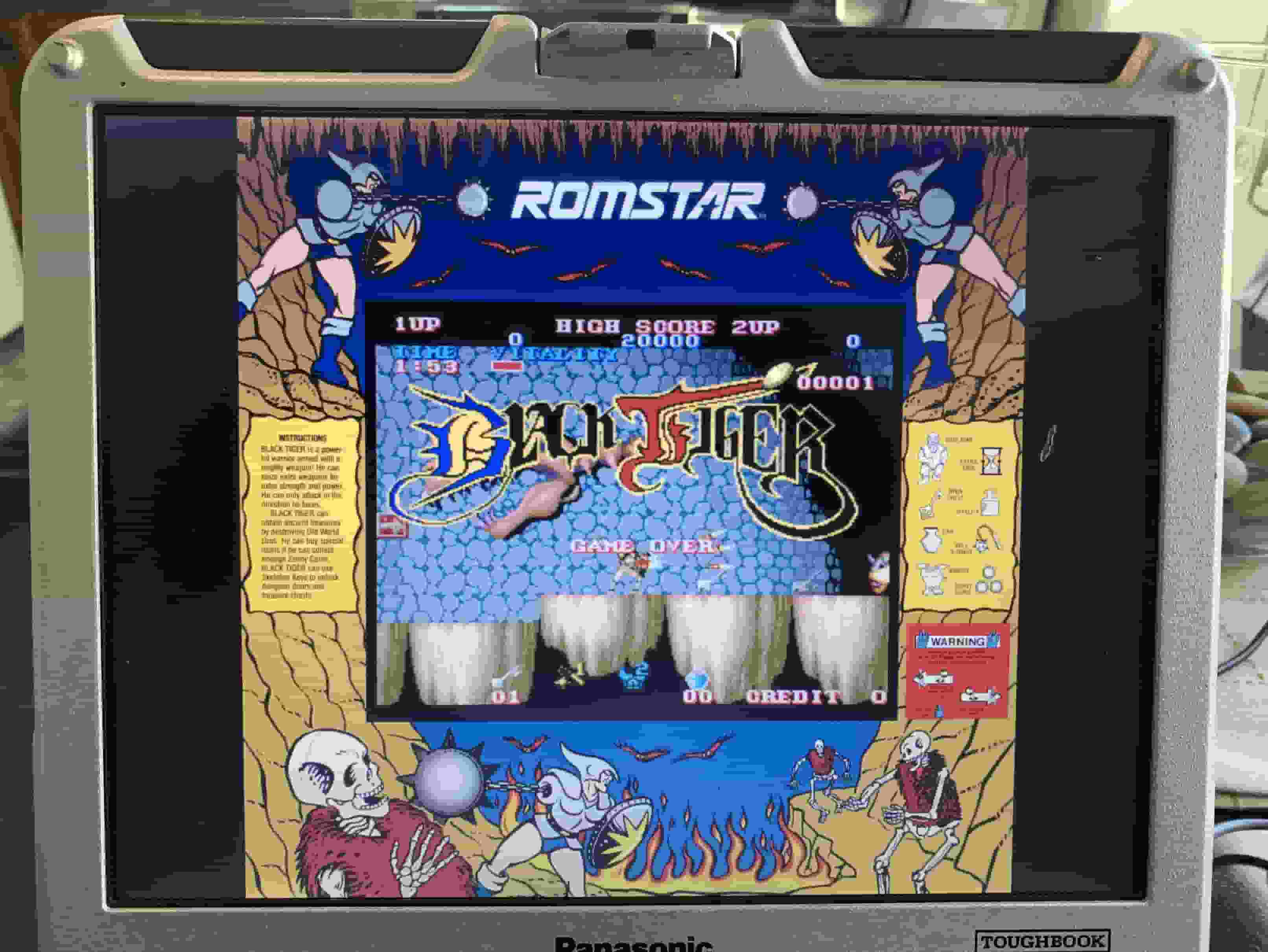
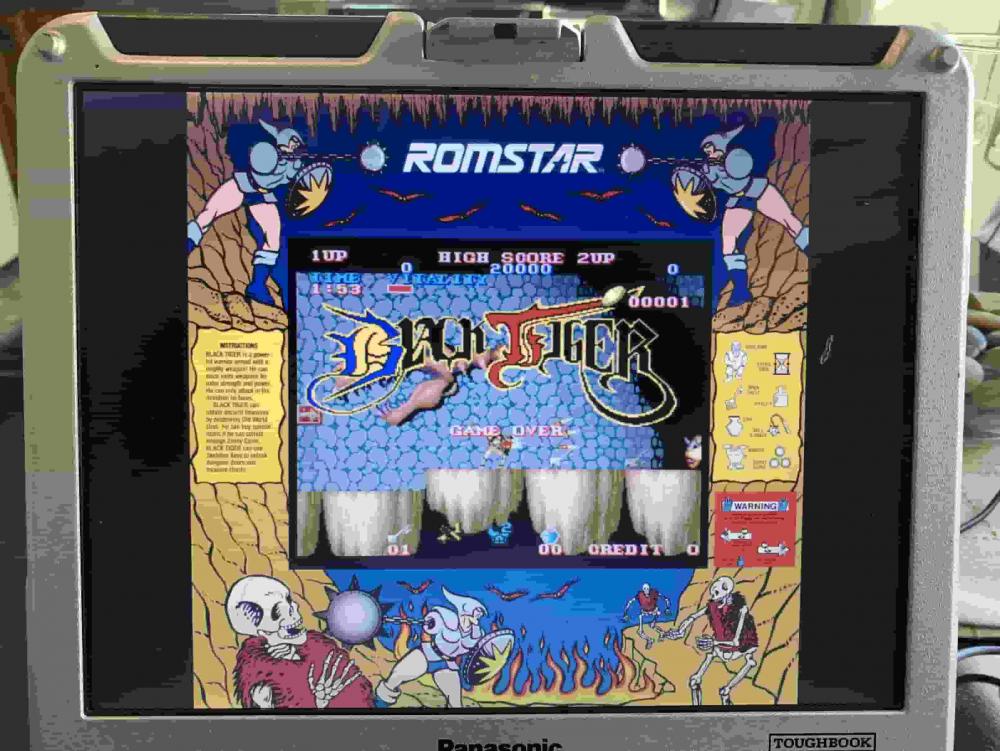
If I run the mame emulator the game fills the screen. But with gameex the game is small screen centered in the middle with bezels around the entire game screen. I changed the mame. options command to be the accurate display settings as in the instructions with no change. also not gameex related is I can’t get fbalpha or winkawaks to recognize my Xbox 360 controllers. My controllers work with mame and other emulators. I try to change the inputs but those emulators don’t see the input
-
Perfect. Thanks for your reply. That makes sense
-
In the setup wizard. Looking to direct automatic downloads to a different folder. I don’t see an option to change thus
-
I requested an option to change this. We’ll see what happens. Thanks
-
Feature & Enhancement Requests
hellothere replied to Tom Speirs's topic in FAQs, Guides, & Other Useful Information
In the arcade edition, in the game list the title of the game is displayed multiple times in the background. It moves from right to top left. I find this dizzying and would like to have just the static background. Requesting an option to enable disable the title scrolling -
Actually if you watch the draconian theme. The game name isn’t in the background. On mine it is. Must be a setting I have set wrong.
-
Yes arcade edition. Maybe the regular game ex edition can disable this. I’m not sure. So your saying the arcade edition can’t disable that. That’s too bad
-
Hi there! For every emulator when I am picking a game. The name of the game covers the background and goes from right to left in the background. It is pretty annoying. How do I turn this off? Thank you!
-
I've weeded out roms I didn't want, and wanted to update with the new set. Can I update my rom list but only have it update the ones in my reduced set? Thanks