|



solrac21
-
Posts
9 -
Joined
-
Last visited




solrac21's Achievements

Member (1/5)
0
Reputation
-
Ok, I made a quick test today. My DMD resolution is 1040x272 in order to work with dmdext and my PIN2DMD. I have uploaded the vid to the FTP @ /-PinballX-/Other Uploads/Solrac21/Pinball fx2/DMD videos. Let me know if these will work.
-
Carny, i would be interested in trying it as i have the aliens table. I have been trying to capture the real dmd color video for it with camstudio and resizing with ffmpeg but the quality has been horrendous. I have a 2 screen setup with PIN2DMD but I can view the virtual DMD on the backglass monitor for recording.
-
ok, did you rename the pinballarcade11.exe to pinballarcade.exe? Have you tried without the [tablefilewoext]?
-
My was working right out of the gate, whay i havent gotten working is the backglass and table select. What version of pinballx r u running and can you provide a screenshot of your TPA setting screen?
-
I've been trying to capture the DMD's using Freezy's DMDEXT but have failed miserably. The captures are huge and look bad when i resize with virutadub. I really wanted to give back to the site.
-
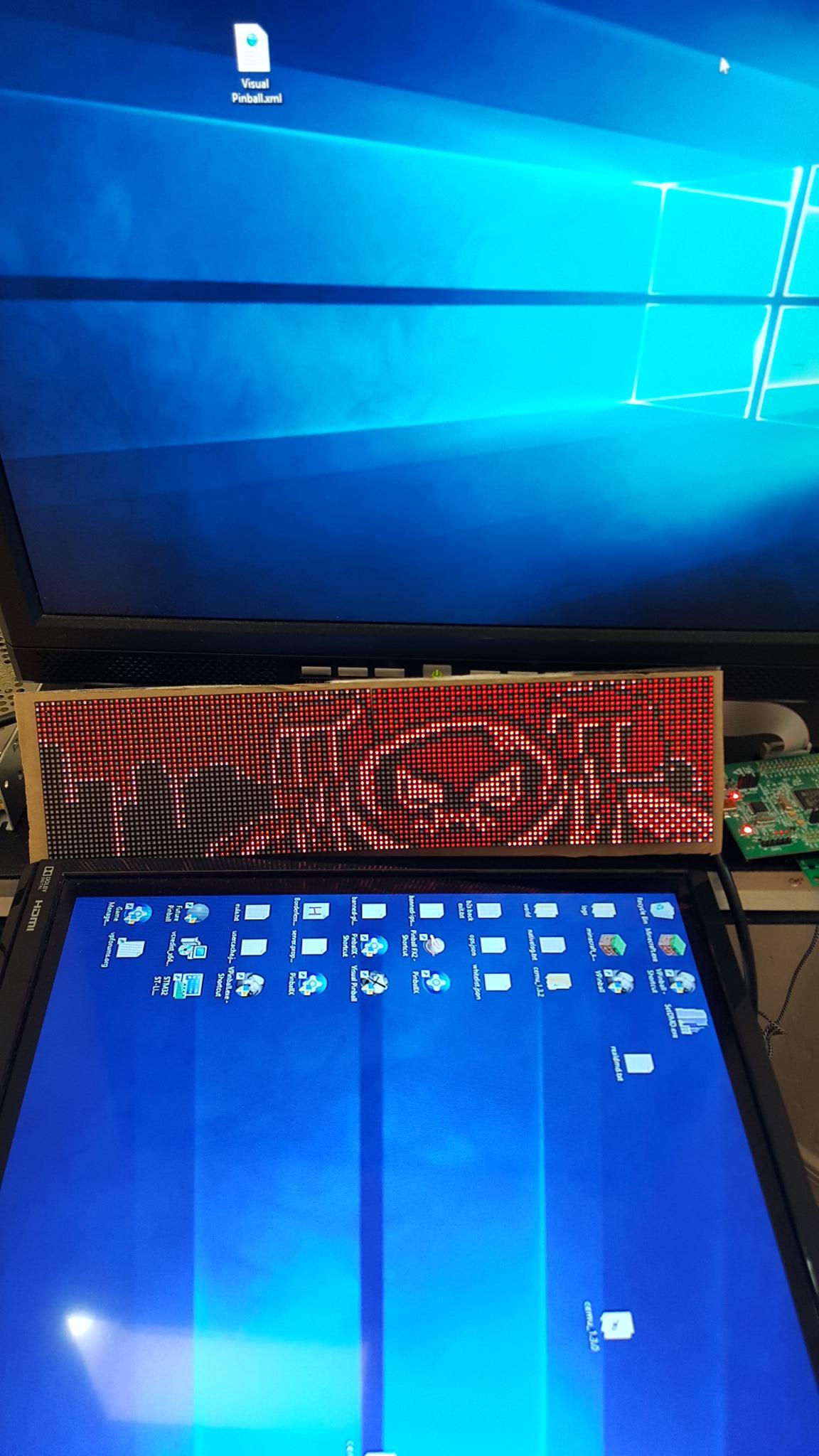
Guys, i loaded the new extracted files and the dmd still shows the last thing it displayed while pinballx exited. I can see my desktop on my backglass and playfield but my pin2dmd is showing a still frame from the vid.
-
Ok, just upgraded to 2.13 and tested the avi files. I moved them to the color folder (as they aren't detected in old folder) and the worked good. When you switch off the color in the settings app and use a single color like red, the vids are "crisper" as they don't seem to have additional artifacting around the words.
-
I'll try the new ones but I just copied them to the old real dmd video dir where the black and white vids were. *I just realized that I am running 2.12...i am updating to the latest and will copy them to the color dir.
-
I just copied the extracted files into the real dmd dir and they worked like a charm. Running pin2dmd with firmware 2.05, pinballx running on windows 10. Let me know if you need more info Tom.