|



FRAQATTAQ
-
Posts
27 -
Joined
-
Last visited
Content Type
Profiles
Forums
Events
Downloads
Store
Articles
Everything posted by FRAQATTAQ
-
@scutters Yes, I run a Pincontrol1 in my cab. I even switched the exit button to another port because I thought this might solve the problem. I already bought a Dudes Cab board. But it will take some time till I will be able to make the switch. Hopefully this will solve the problem.
-
@scutters Thanks a lot. Here is my ini file. And just to clarify. The first time, I quit the game on purpose. The 2nd time it happend as described in my initilal post. PinballX.ini
-
Hello everyone, I`d just like to ask if this might be something somebody heard of and knows a solution for. If I start a game with Pinball X it happens pretty often that the game ends in the middle of the game and I just return to the menu. Just as if had pushed the exit button. If I start a game just using VPX directly without Pinball X, I never had an issue like this. I added my log file where it happend again just some minutes ago. Thank you! log.txt
-
Thanks to everybody for helping! Great support!!! @Mike_da_Spike your programm works like a charm. So far I had no problems anymore
-
@Mike_da_Spike Thanks a lot. When I'm back from work later today I'll give it a try and let you know if it worked. @scutters Thanks for additional explanation. The letter J on the keyboard was a random choice of mine. I just made sure that I chose a letter that was not in use already. Finally I guess I have to transfer this now somehow to my pinball controller so I don't have to use the keyboard anymore. I hope this won't cause any further problems.
-
Little update. I don`t know exactly what happend, but now pressing J when I play a table brings me reliable back to the PinballX menu. The only thing that I noticed is the following. Pretty often If I start the next table, the buttons like start and coin do not work. I have to remove my VR glasses, go to my mouse and leftclick on the active window for the game. Then everything works again in VR, too. log.txt PinballX.ini
-
log.txtPinballX.iniSorry, I don`t run Future Pinball on my system and I just deactivated it the settings. Yes, right. It was running Pinball X as administrator. It was just a try to see if this could probably be a solution. VPX isn`t. Quit and Exit Emulator set to J. Nothing changed.log.txtlog.txt PinballX.ini
-
that`s strange. One more try. In this run, it worked at least 1 or 2 time. For the rest, same problem like usual. log.txt
-
sure, here it islog.txt
-
R seems not to be mapped. Nothing happens during gameplay if I press it.
-
Thanks for the hint. At least I was able to solve this problem. I just the dll file from an save file. Now Steam VR is no longer involved.
-
Button 10 or 12 means exactly what? Instead of ESC I mapped the button J to exit PinballX.
-
Hi Mike. As you said, I changed the exit button within the PinballX settings now, but I noticed no difference. Then I installed the latest VPX Version behind your link. All off a sudden, VPX VR starts now with Steam VR and not with Meta Quest link. Do you know how I can prevent this? Meta Quest Link is still defined as standard in the settings But Steam VR doesn`t seem to care Beside that, there is still no change noticable. Steam VR makes it even worse. After ending a table I not just have to end VPX manually but also now Steam VR to return to the PinballX menu. PinballX.ini log.txt

-
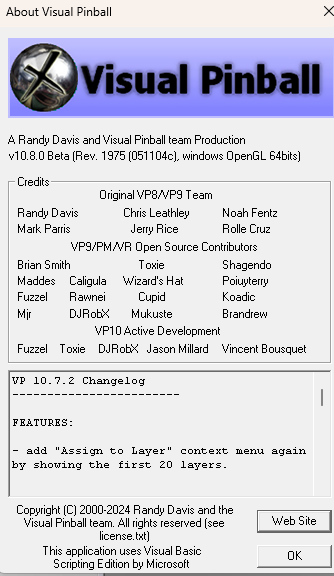
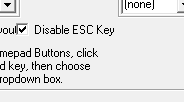
@Mike_da_Spike Your are absolutely right. I run 10.8. I was just confused after checking the "about" in VPX. But it was the changelog that I`ve seen. So I thought it`s my version number @Tom Speirs I Just tried to change the escape key. Even checked the box where you can block the escape key completely But nothing changed. Same behavior. Probably one in 10 times PinballX closed VPX corretly and returned right to the PinballX table selection. Does a video probably help? But I guess it won`t show anyhting new.
-
I use the control-board in my old cab. It`s the Pincontrol1. I also tested with my regular keyboard. As far as I can tell there is no difference in the behavior when I exit a table. I use the VPinballX_GL64 version 10.8 As you recommended I´ll try a different key for the exit button. I`ll come back with the results probably tomorrow.
-
Hi Tom, thanks a lot for your quick reply. Here is the log file. log.txt
-
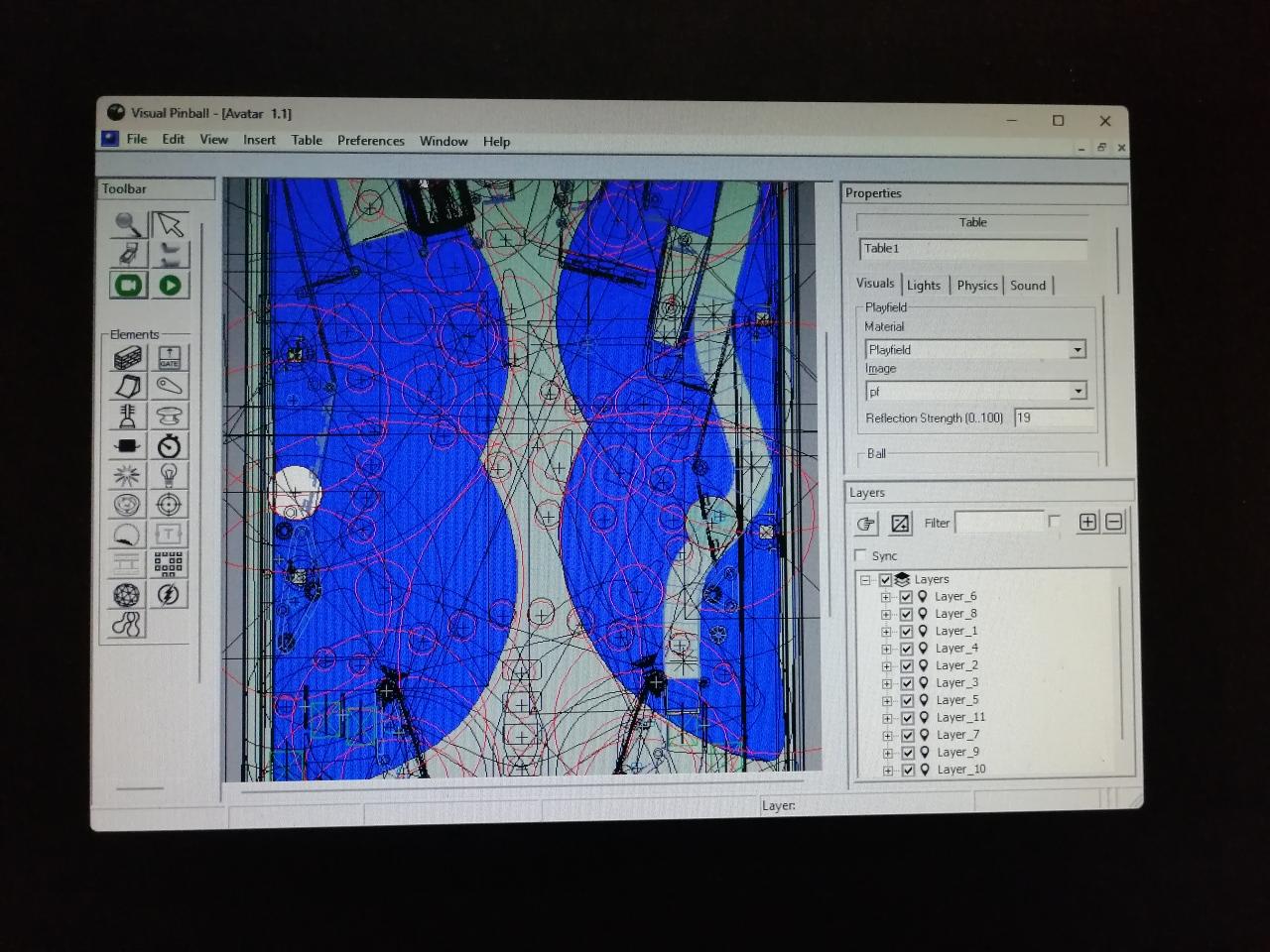
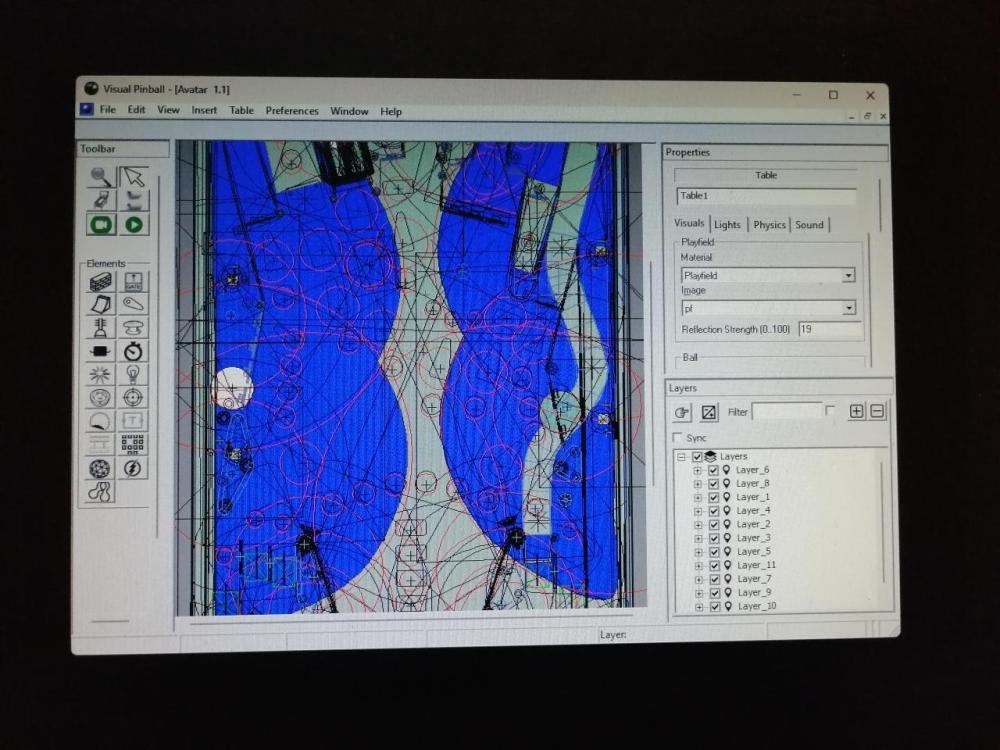
Hey everyone, I use Pinball X now also for my VR setting because it served me well in my cab for many years. My problem now is, that if I end a table approx. in 80-90% I don`t get back to the PinballX frontend. VPX is still running and it looks like this: If I grab my controllers, I can manually close the VPX window and this brings me back to the PinballX menu. The strange thing is, I can`t see a pattern here. I even tried the same table once several times. One time it worked, the other 4-5 times the problem happend as described. Is there anything I can do to fix this?
-
Thanks a lot for all your suggestions and support. I solved the problem. In my desperation I bought an adapter so I can change the cables like outthere proposed. And that did the trick!
-
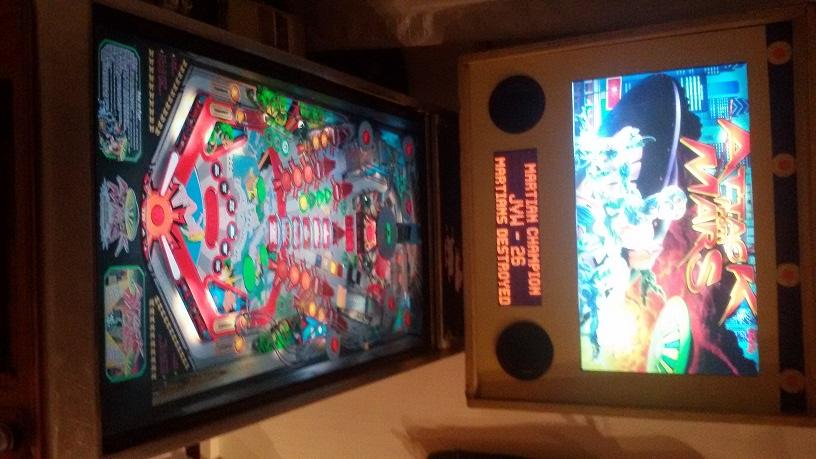
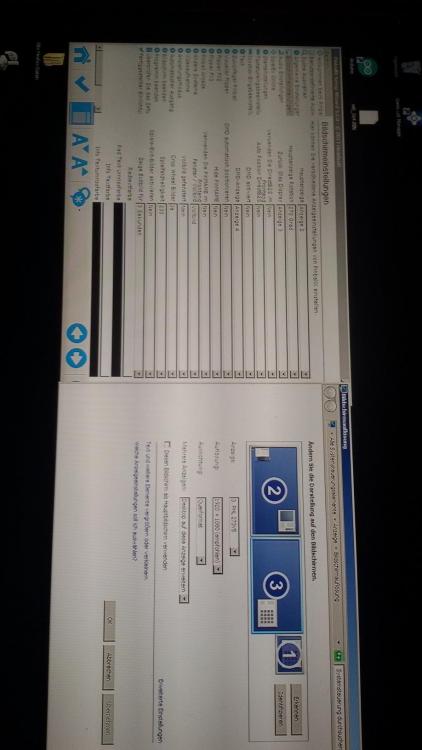
on the picture vp10marsattacks you can see that everything runs fine if i start a table. directly over vp10 or pinball x. on the picture setupxandwindows your can see that the settings are similar for screen two and three. but the backglass is hidden under the playfield (monitor 2). setting the BG to monitor 4 and 5 has no effect at all. on the picture onmon1 you can see that it works if i change the pinball x setting for the BG to monitor 1. But it just won`t go to monitor 3.

-
I just uploaded my log.txt file. I also will upload some further pictures to describe my problem better. sorry, it`s not possible that I change the cables my 1050ti has one hdmi (I use that one for the playfield) one DP (i use that one for the backglass monitor) and one dvi output (I use that one for the dmd monitor).
-
hello everybody! i switched from a two graphics card to a single card solution in my cab. so the monitors received now a new order. Monitor 2 is the playfield, 3 the backglass and 1 the dmd my problem now is, that I can`t move my backglasses to screen 3 no matter what I do. I tried all the options from 1-5. If I choose monitor 2 in the settings, it moves to monitor number one (the one that I use for the dmd). I also can put it on monitor two. I discovered it hidden unter the playfield sometime after I closed pinball X. so my hope was, that I just can change the position with the x and y settings. but that does not work. it does not move a single dot from its positon. if i change the value to positive or negative settings. no change at all. what I can do is change the sitze. but not the position. so how do i get my back glass pictures to monitor 3?!?!? Thanks a lot in advance for your help! PinballX.ini log.txt
-
Thanks for the help! It works now!
-
Pinball FX3 came out today! Does anybody know already how to add this to Pinball X? I tried several things but was not succesfull so far. thanx!
-
sorry if this came the wrong way. but I spend this week endless hours on the machine. i was (am) just frustrated and angry. this was just was i experianced and the problems that returned just when i was starting pinball x again. it does not make sense to me, too. but it just happend this way. so at the moment i have no good feeling using it again. i was hoping someone made similar experiances and found a solution for this. if i decide to give it another try, i´ll make sure to provide you with further details.