|



175650
-
Posts
40 -
Joined
-
Last visited
Content Type
Profiles
Forums
Events
Downloads
Store
Articles
Everything posted by 175650
-
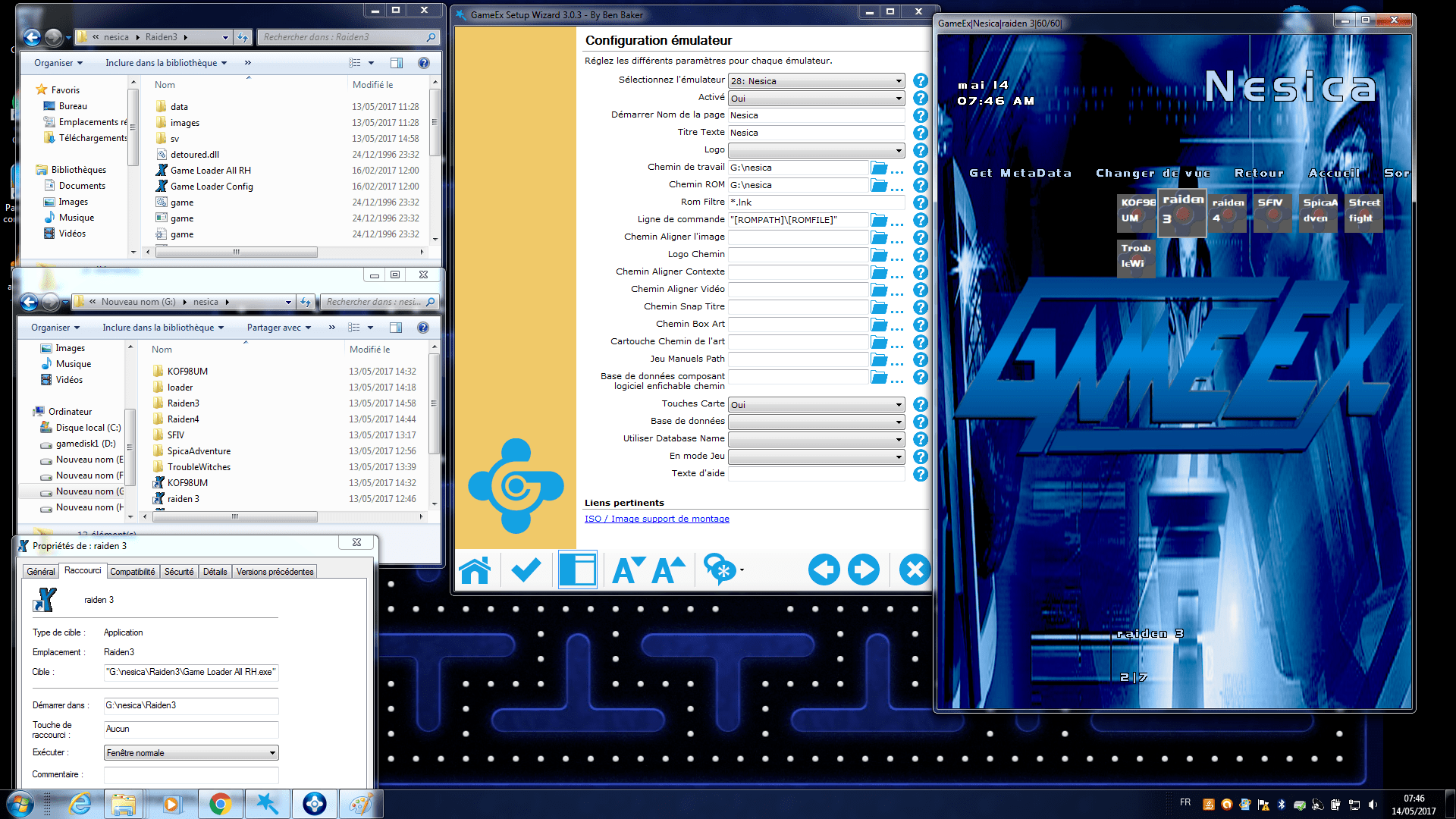
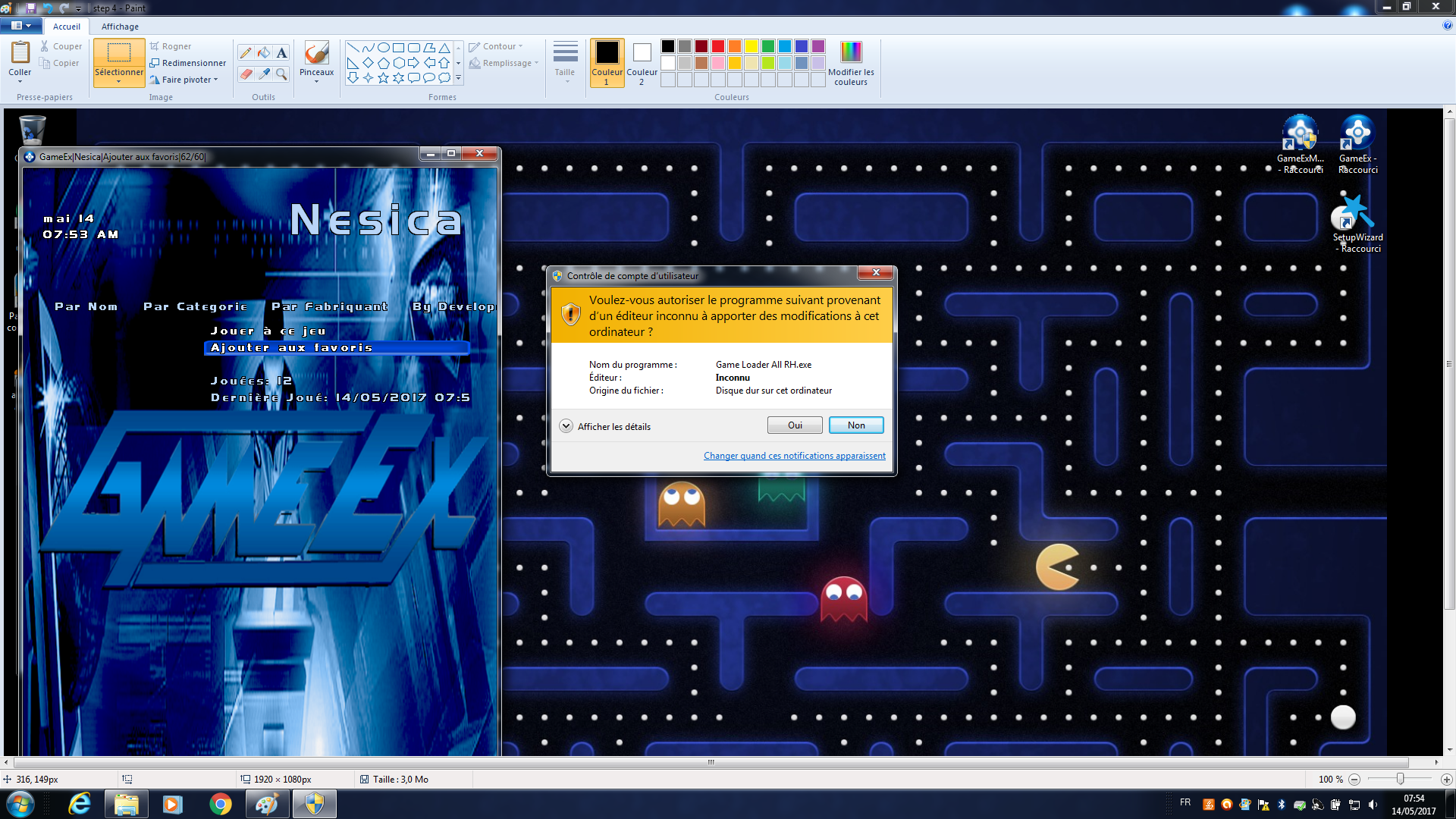
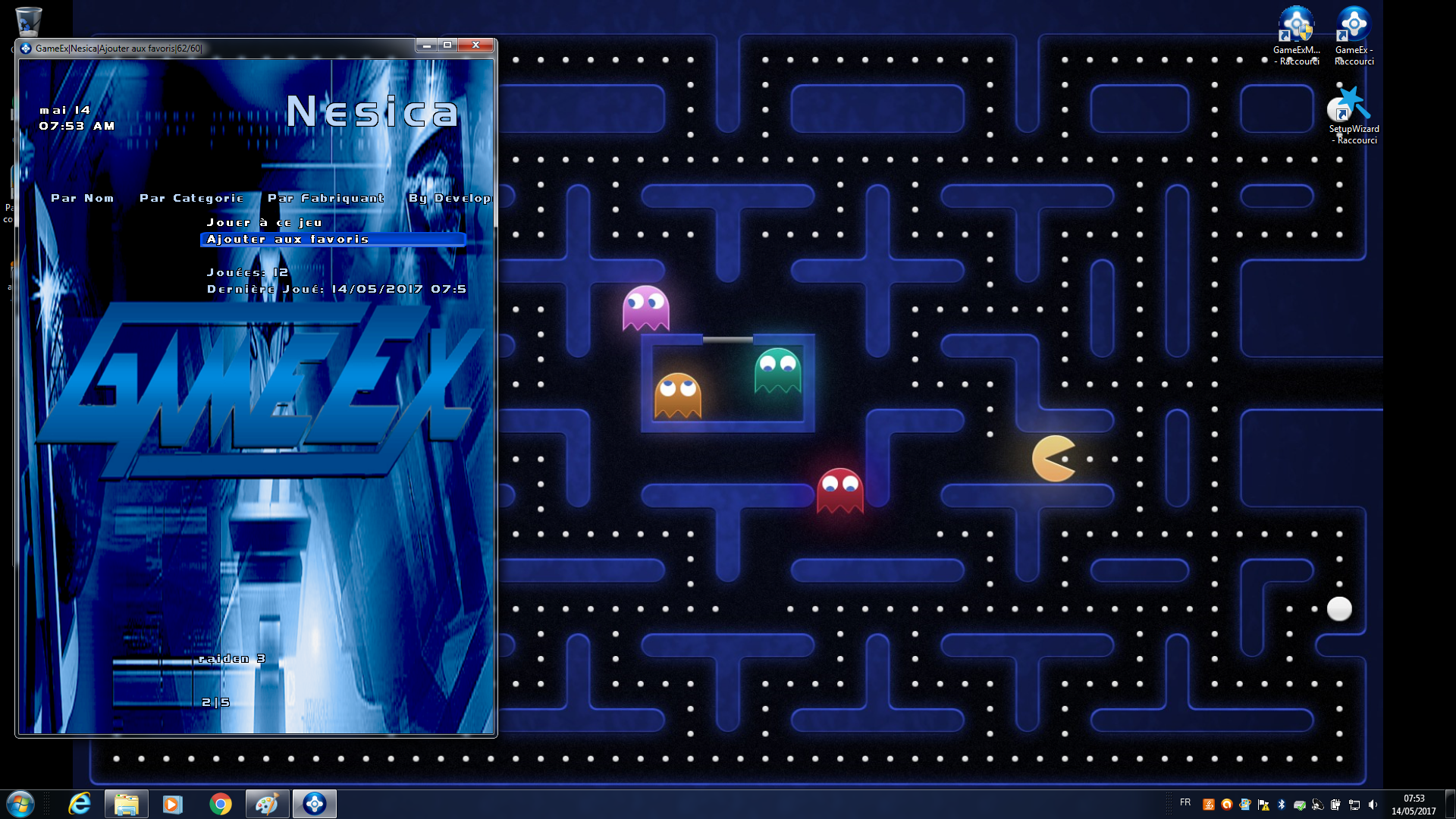
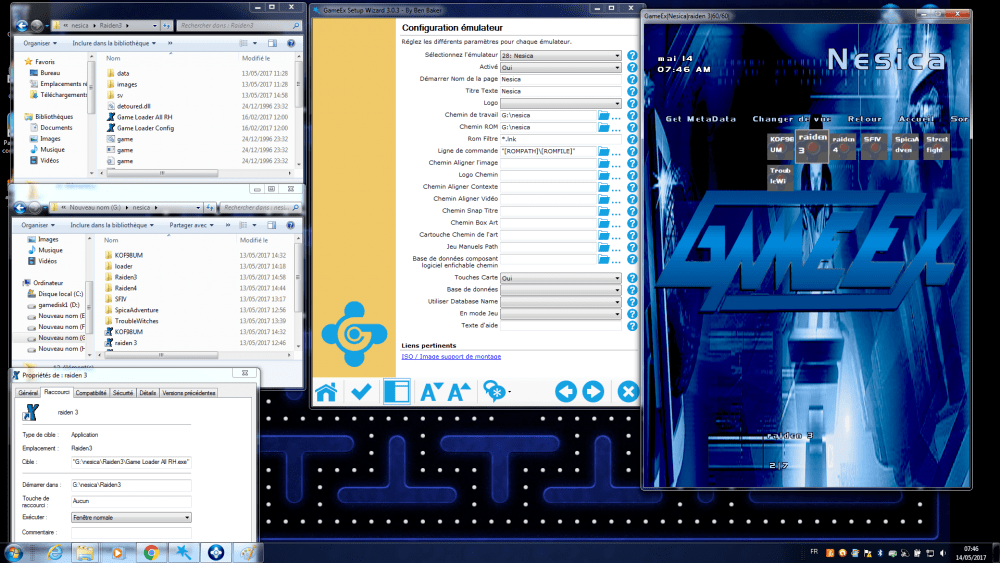
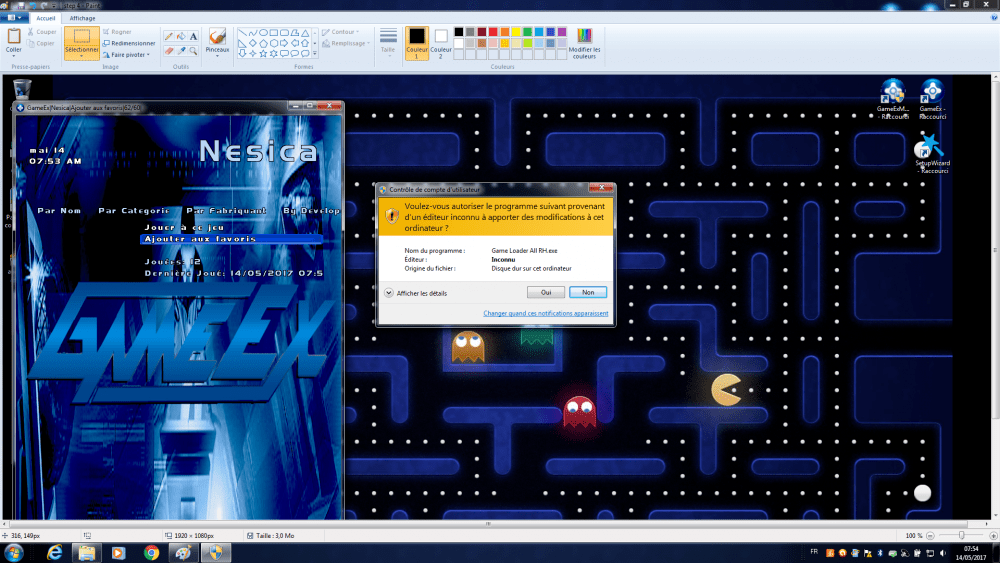
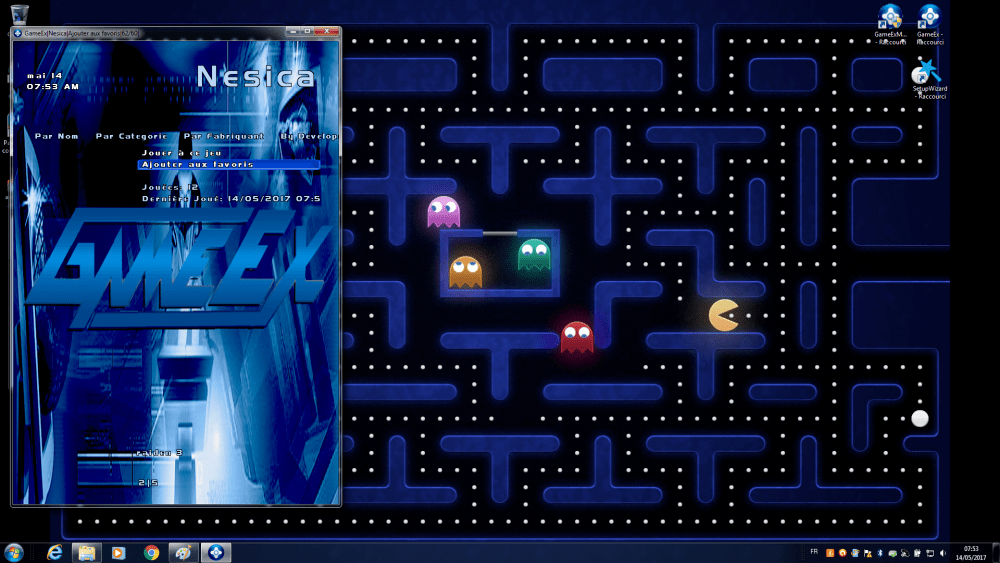
Hi RedDog and Draco1962 "Game Loader All RH" is not an emulator more a launcher , I join the sequence of execution at the step 6 I heard the music game but not the screen I see just the step 6 and it's impossible to active "ALT TAB" key but my joystick is active and I can exit of the game (esc key) but I don't see the game screen
-
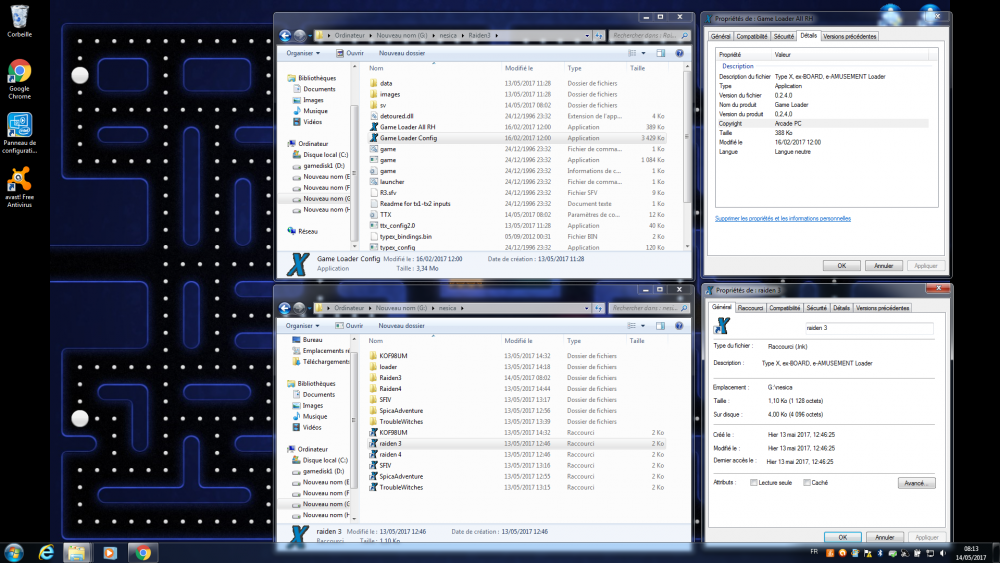
Hi When I run the game I use the Game Loader all rh .lnk that I have created . But I don't understand you replies because if I create a .lnk with the game I can't execute the game loader all rh lnk and the game don't use the parameter on the game loader config my method is to use the lnk of Game Loader all rh because Game Loader all rh is more easy and very large possibility to customize the parameter ( customisation of screen ) of each game but this method obliged to launch the game with Game Loader all rh
-
Hi location files and lnk are ok log.txt GameEx.ini
-
Hi I use OpenBOR and in the same method I have create a new line with "Game Loader All RH" and I have create .lnk for each launcher When I execute directly "Game Loader All RH" there is no problem with the game When I launch with Gameex to execute "Game Loader All RH" Gameex finish with an error and Gameex is out What is the method to launch .lnk of "Game Loader All RH" with no problem under Gameex THX a lot
-
Hi I use fs-uae to two systems: Commdore CDTV and Amiga CD32. but with my x-arcade joystick I don't know how to emulate this I use standard command line but where I can add the parameters of x-arcade ? fs-uae.exe --amiga-model=CD32 --joystick-port-0-mode="cd32 gamepad" --fullscreen=1 --keep_aspect = 1 --cdrom-drive-0="[ROMPATH]\[ROMFILE]" fs-uae.exe --fullscreen=1 --amiga-model=CDTV --joystick-port-0-mode=joystick --keep_aspect = 1 --cdrom-drive-0="[ROMPATH]\[ROMFILE]" thanks
-
Hello I've found the solution for all version > .145 I download mame 0.161 I decompress it I keep only directories (roms, snap) and mame.exe and after I execute gameex I choose personalize option and i choose only mame settings I choose parameters option : path mame, mame.exe, path roms, path snap , that all 4 ) cross to finish 5 ) update liste confirm 6) that's ok liste created with no problem I think that some files block with this delete it's all right thanks for all
-
Yes I think I have a problem with my mame.exe can I send to me a good link for a mame.exe ? thank a lot
-
I have reinstalled again gameex but to use mame 0.145 1 ) I execute gameex the first time I choose more game 2 ) I choose configuration , then language, personalise and i choose only mame settings 3 ) I choose parameters option : path mame, mame.exe, path roms , that all after i delete all selection with mame version 0.145 4 ) cross to finish 5 ) update liste confirm 6) that's ok liste created with no problem what is the difference between mame 0.145 and mame 0.161 I don't no but the result is ok for 0.145 et ko with 0.161 I don't know the problem it's very strange
-
I have reinstalled again gameex step by step after installation 1 ) I execute gameex the first time I choose more game 2 ) I choose configuration , then language, personalise and i choose only mame settings 3 ) I choose parameters optin : path mame, mame.exe, path roms , that all after i delete all selection with mame version 0.161 4 ) cross to finish 5 ) update liste confirm 6) block in reading listinfo.dat : 25% I don't understand the problem thanks GameEx.ini log.txt
-
ok I have reinstalled gameex step by step after installation 1 ) I execute gameex the first time I choose more game 2 ) I choose configuration , then language, then base, 3 ) eight time "next" 4 ) I choose install mame option 5 ) I choose parameters optin : path mame, mame.exe, path roms , that all after i delete all selection with mame version 0.161 6) next 7 ) I choose mame in selection choose emulator menu but no download 8 ) next 9 ) cross to finish 10) update list --> I confirm 11 block in reading listinfo.dat : 25% have you I idea ? thanks
-
delete listinfo.dat verify path Path ok ( verify with test on wizard) custom mame Only Working - Yes Allow Imperfect - Yes Verify - No Only Existing - Yes run gameex Same result block a 25% ps : Then remember to update list within GameEx --> ?? --> how I do this ? thanks for help
-
yes romset 0.161 with only 1 rom
-
Hi I run gameex with mame 0161 with only 1 rom in the directory "rom" and I have the same result thanks for you're help
-
Hi I have two directories one with mame 0145 and one with mame0161 but i use the same directory for the roms and I delete at each run listinfo.dat I join my last log and my last game.ini thanks for you're help log.txt GameEx.ini
-
Hi I'm à newbie in gameex and after a lot of tests I don't understand when I execute gameex with mame V0.161 I finish with this message reading listinfo.dat ( 25%) and after nothing If I use mame V0.145 there is no problem and the listinfo.dat is create normally I join my log thanks for you're help log.txt