|



drummerjake
-
Posts
24 -
Joined
-
Last visited
Content Type
Profiles
Forums
Events
Downloads
Store
Articles
Everything posted by drummerjake
-
That worked thanks for your help
-
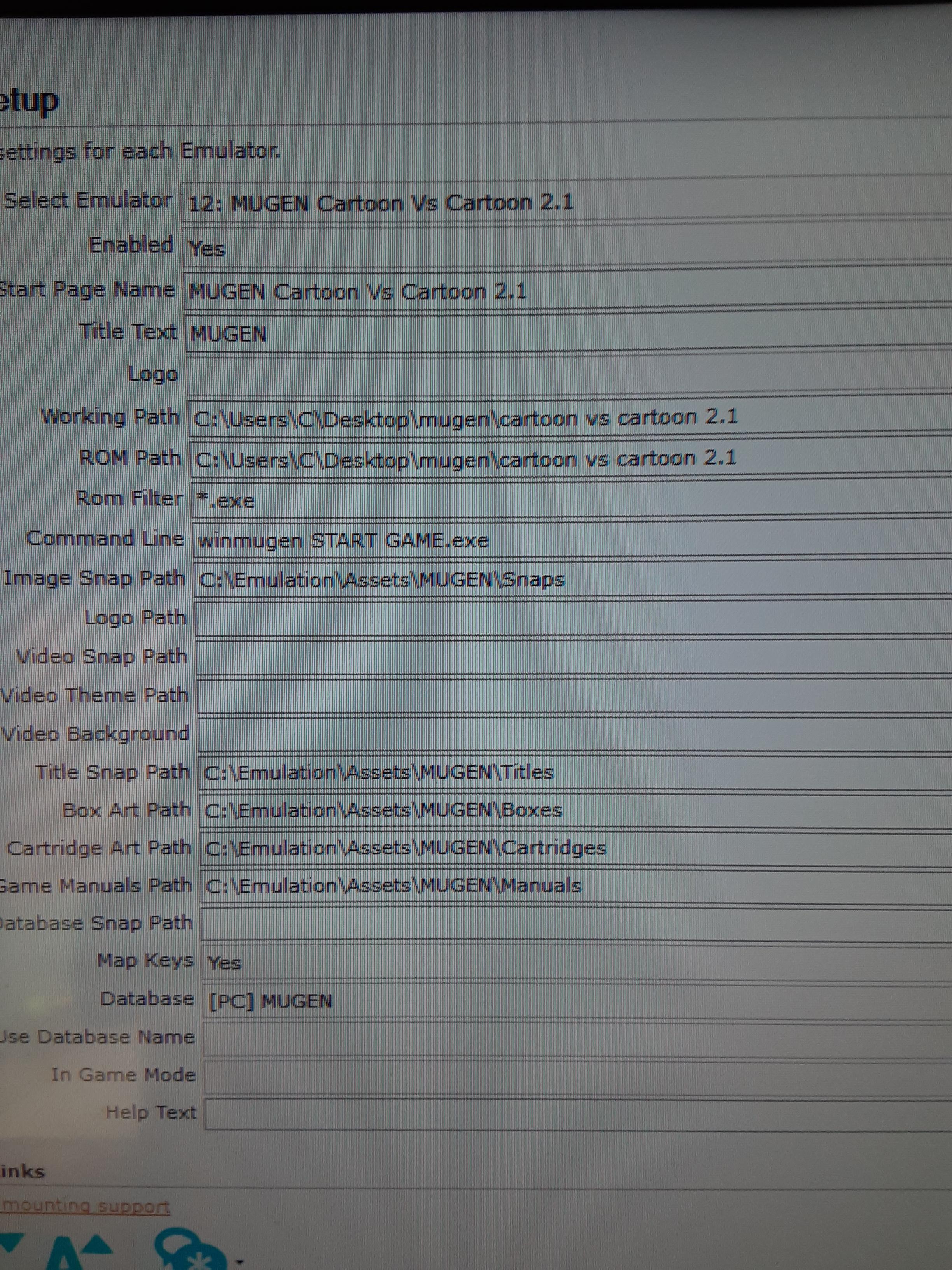
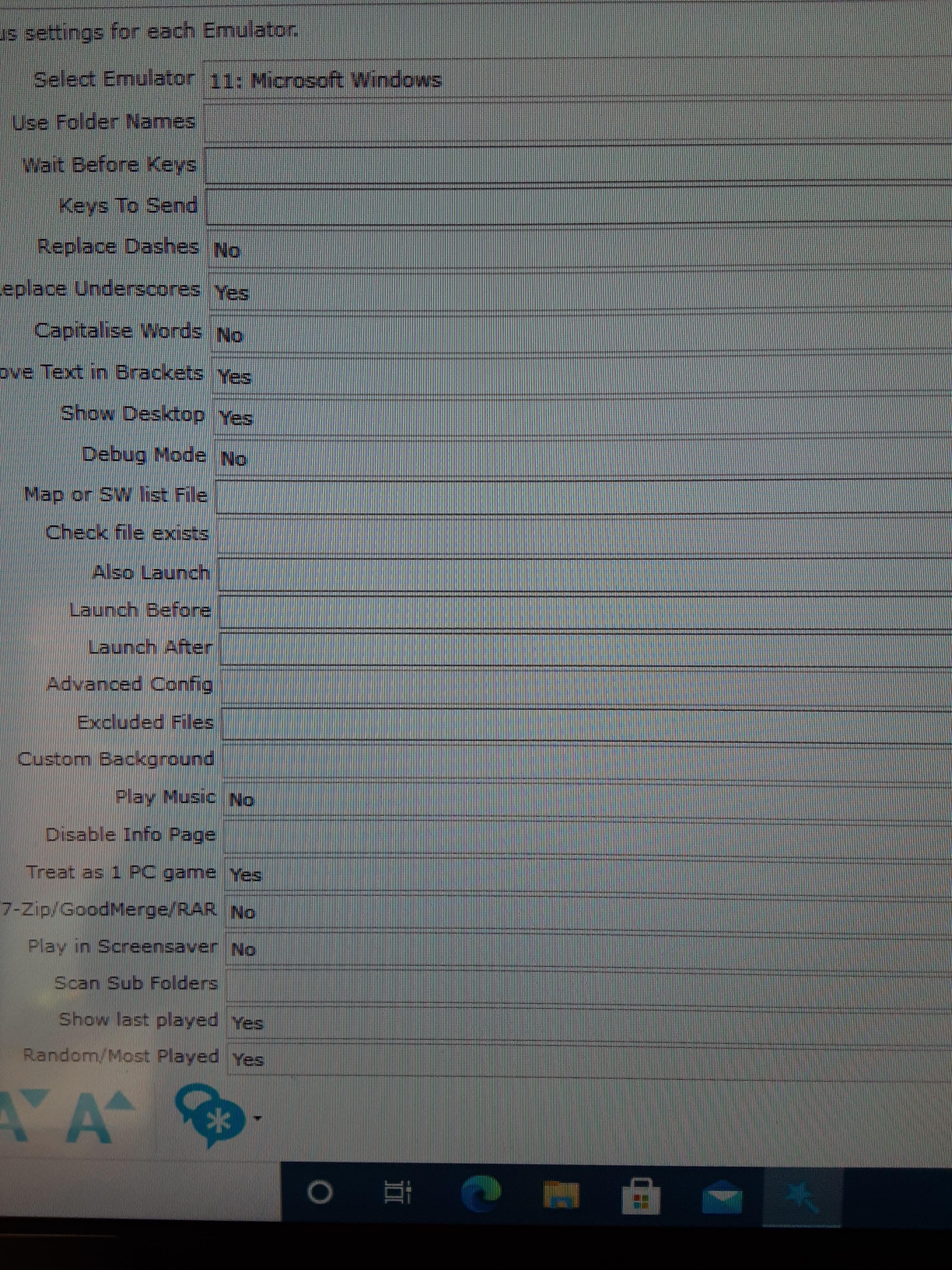
I'm also having the same issue with mugen I cant get any of my mugen games to launch. I'm having to redo my whole arcade system and haven't had to mess with gameex for alot of years.

-
I'm using the stand alone version. That's pretty much the settings I'm using.

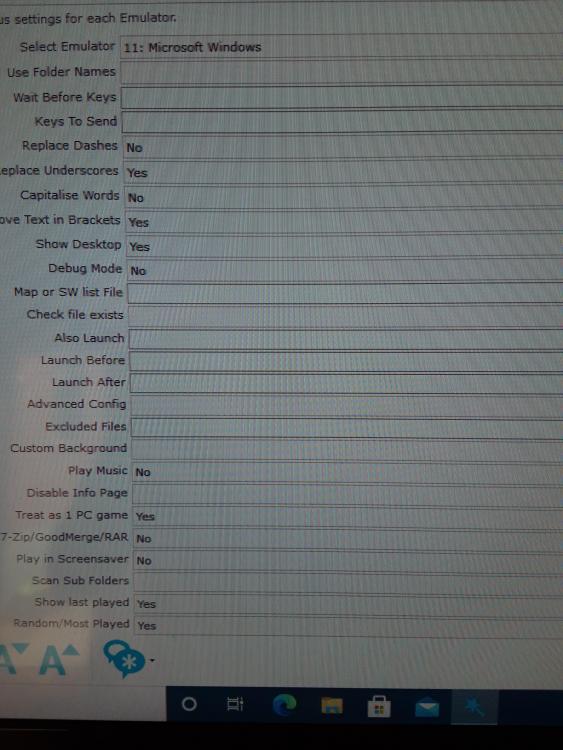
-
I cant seem to figure this out. I'm trying to get pinball fx to launch it works just fine from the short cut when I click it. GameEx.ini GameEx.UpgradeBackup.ini log.txt
-
I got it figured out. I forgot to download the data base or it didn't download correctly. Thanks for the help.
-
Hey guys I got it figured out it needs -a and -i in it. Not sure what they do but it works.
-
GameEx.UpgradeBackup.ini
-
GameEx.ini
-
log.txt
-
So I have pcxs 2 for playstation 2 games set up in a arcade edition of gameex and it doenst automatically download the artwork like it does for my other emulators. So I went to emumovies and downloaded the logos there I put the in the title folder and they dont show up but if i put them in the snap folder they do. So i know they match the names of the games. Anybody know what is going on here.
-
I cant seem to figure out how to get kronos the sega saturn emulator to work properly with gameex it works fine by its self.
-
Gameex arcade version lost configuration for mame and emulators
drummerjake replied to drummerjake's topic in General
Ok thanks. What I was doing when I reset my computer was, I was trying to figure out how to get ps2 logos to show up on gameex. My ps1 and n64 rom were automatically downloading but ps2 wasn't. So in the folder were gameex stores the downloaded artwork I made a ps2 folder and in that folder I made a LOGO folder downloaded the ps2 logos from emumovies and put it in there. It wasnt showing up so I reset my computer to see if it would help. Another issue I had was my xarcade game stick had a short on the cable for the usb power and I have to wiggle the cable now and then to get it to come on. -
Gameex arcade version lost configuration for mame and emulators
drummerjake replied to drummerjake's topic in General
Thanks for the help also, i have two versions of gameex on this pc the original, i have been using it for awhile with no issues and just a few weeks ago i tried using the arcade version. -
Gameex arcade version lost configuration for mame and emulators
drummerjake replied to drummerjake's topic in General
GameEx.UpgradeBackup.ini -
Gameex arcade version lost configuration for mame and emulators
drummerjake replied to drummerjake's topic in General
GameEx.ini -
Gameex arcade version lost configuration for mame and emulators
drummerjake replied to drummerjake's topic in General
log.txt -
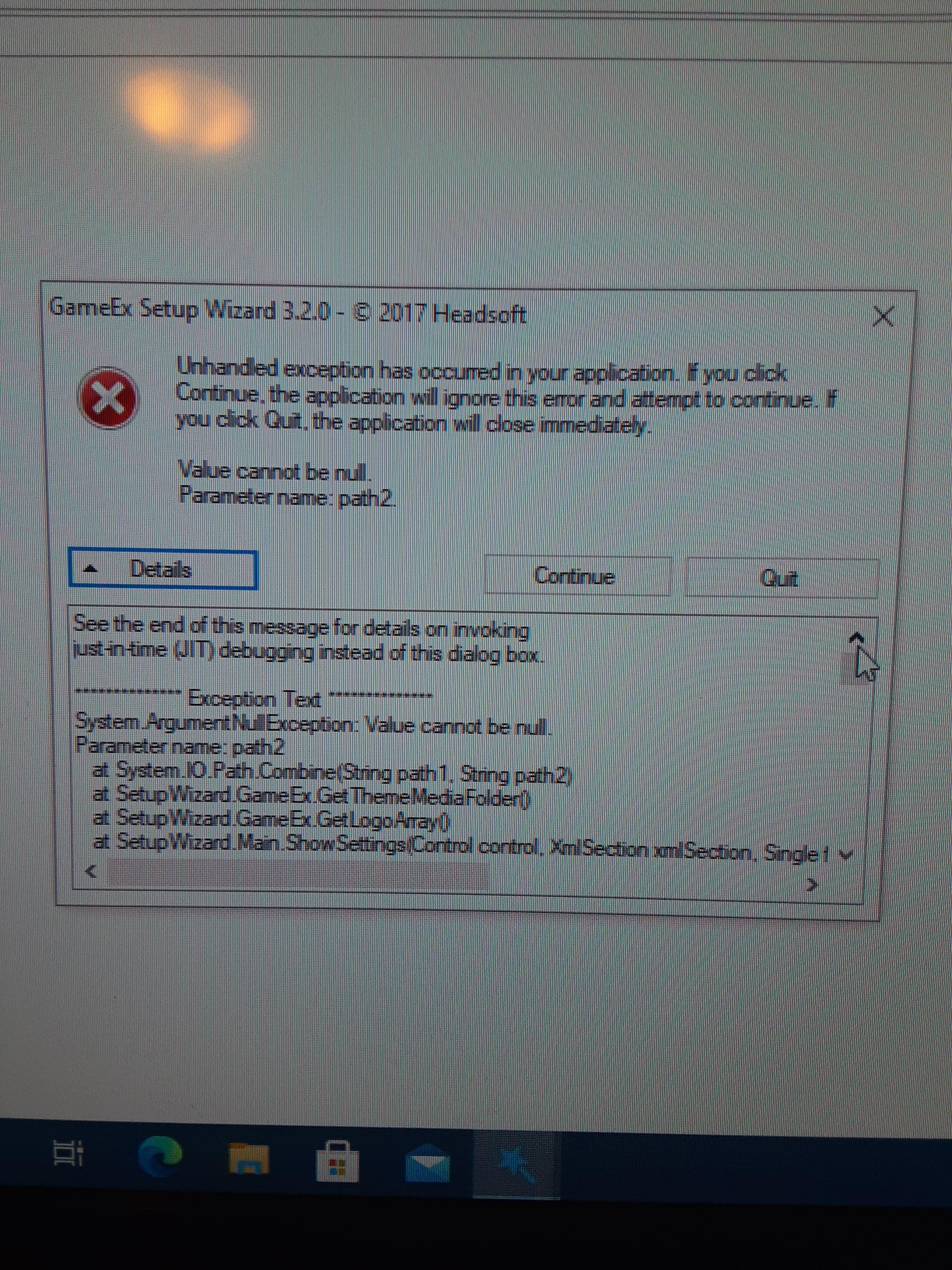
I'm setting up gameex the arcade version and I had to reset my computer and when it rebooted gameex lost all config setting. All emulators and mame are blank too. The set up wizard gives me a error now when I try to use it. Any help appreciated
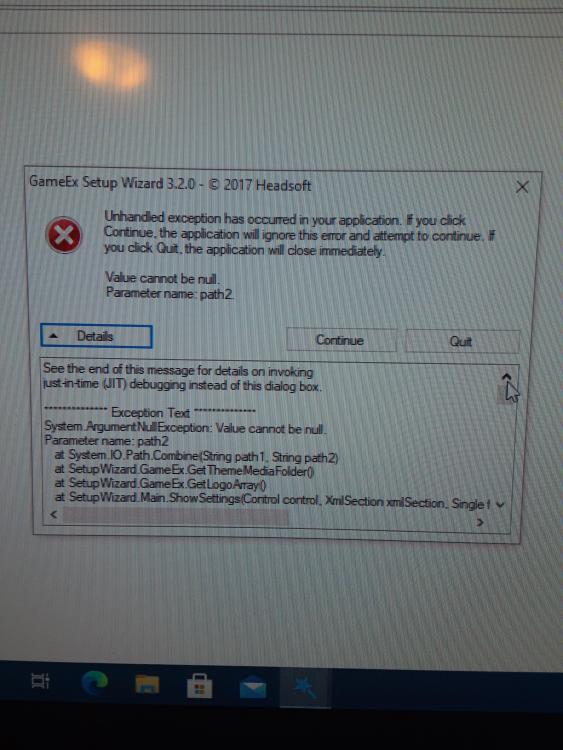
-
I think i figured it out, i think i have a short in a usb multi adapter i was using. I unplugged all my controllers and used a wired keyboard and it went away. Thanks for your help.
-
log.txt file log.txt
-
i cant seem to find the game ini file or the log.txt in the config folder
-
Thank you for the reply is this the ini you need
-
I have the latest version of gameex i downloaded it a few weeks ago and im getting a issue with the select and back mapping. When im running gameex the back key moves forward like the select key and i can not navigate back. I use a x arcade tank stick. i have tried programming it to use different key and used notepad to verify it was working correctly. but i still getting the same issue. I have also tried using several themes.