|



pisuke
-
Posts
200 -
Joined
-
Last visited
Content Type
Profiles
Forums
Events
Downloads
Store
Articles
Everything posted by pisuke
-
The scanline generator is an hardware solutions... I see your suggest s but before i format the pc all was working..
-
is it a problem related to the nvidia driver? do i have to setup something that i miss?
-
i use ipac2. when i press the combo button the resolution changes for 1 second then return to the basic (1366x yes it s correct what you said
-
yes it's correct. it's that software i tried now .. in windows desktop no problems. when i switch in mame (outside gameex) in 800x600 the game appear in the upper left corner ... not in full screen.
-
But before i format the pc i use the sale version and works at 800*600 with hrc.exd software. This is the software http://funk.eu/hrc/ But the software is only a work around. I don t want to use it and have directly mame in 800*600. The n When finisce have the possibility to have gameex at 1366*
-
No. I put a scanline generator in my cabinet that works better at 800*600 I use mame64 0.158 http://arcadeforge.net/SLG3000/Scanline-Generator-SLG3000::12.html
-
hi My monitor has 1366 x 768 max resolution that is great with naomi 2 games.. but when i start in this max resolution gameex i have problem in mame games ...because i need that mame works at 800x600 to use scanline generator... i tried to install hrc that changes resolution with a button configuration but doesent work because when i change video config (i start in 1366 ) in 800x600 automatically switch in 1366.. i read other post in the forum but i dont find solution. thanks for any advice GameEx.ini log.txt
-
ok. please mark thread as resolved. thanks
-
thanks. i verified that there was not the resolution in the string... another question. the game listed are all playable? i have some of them that doesen't start.. ex emergency
-
thanks! if you relate to this.. http://www.gameex.info/forums/topic/13498-sega-model-3-supermodel-and-zinczenith-stretch-to-fit-fullscreen-169/ tomorrow i will try.
-
hi i use Supermodel-r271-x86x64 to run my games. outside i have no problem. i used the map file attached to the thread..i recevie black screen if i disable desktop view. if i active descktop view i see the emulator and the rom choice ( and then start...) i use this to run games Supermodel-UI exe "[rompath]\[romfile]" also tried Supermodel.exe "[ROMPath]\[ROMFile]" also the video downloaded from emu movie doesen't start... thanks GameEx.ini log.txt
-
please mark thread as solved with last version of demul i use awave as selected... so if you download new version pay attention to use awave. thanks demul.exe -run=awave -rom=[ROM] if you have an old demul version change "awave" to "atomiswave"
-
HI i searched in other thread bur find nothing. atomiswise roms and demul works perfectly outside gameex in game ex i see correct names and correct emumovie animation. whien i start the game..i have black screen in gameex and then returns to the game name. the path inserted in rom.. ...\\ atomswise is correct .... thanks for any advice GameEx.ini log.txt
-
please mark this thread as RESOLVED: i found tha demul conflict with software autohidemouse and continuing stretching image and go full screen >>windowed
-
Ok
-
i have closed all my threads marked as resolved. can we start from here? thanks.
-
MARK AS RESOLVED. i uninstalled nvidia driver and install driver that came on cd with asus video card. now it works.
-
i try this. remove completely gameex. clean gameex folder. make a new install. doesent start!!! black screen!!!!! windows 7 problem? ​ log.txt GameEx.ini
-
thanks. i tried set news feeds off... nothing
-
disabled all the game database. theme default.default.black screen.. i am getting mad log.txt GameEx.ini
-
excuse me. i understand default gameex folder.
-
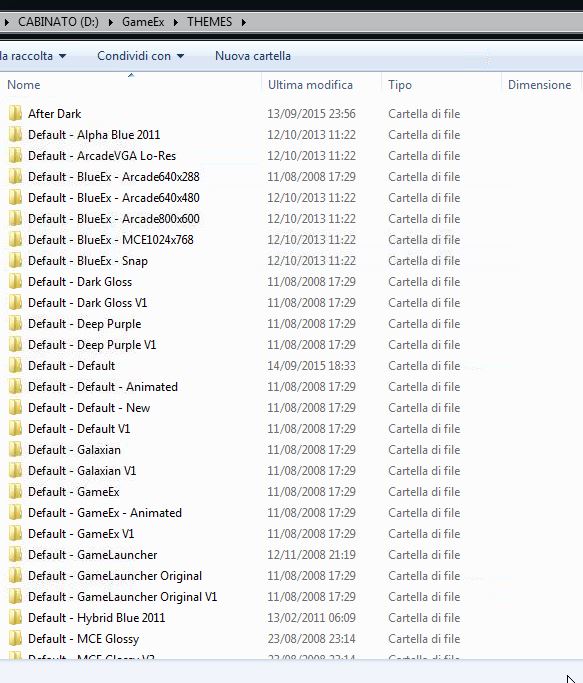
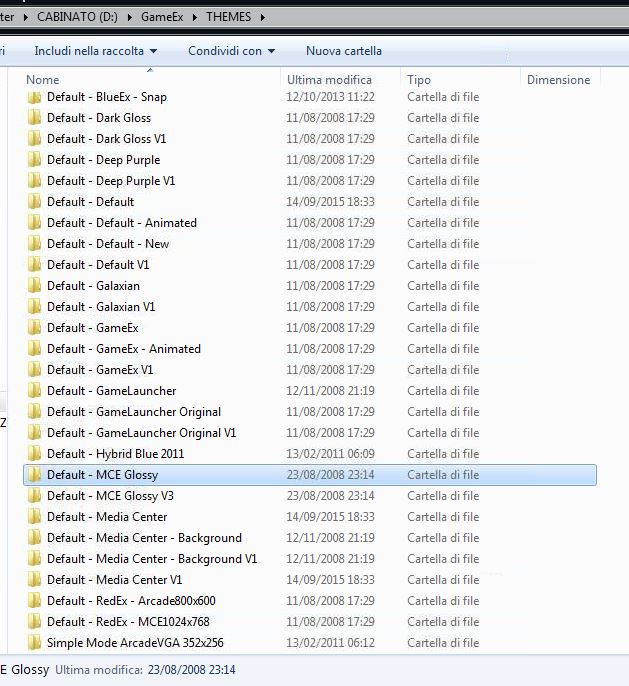
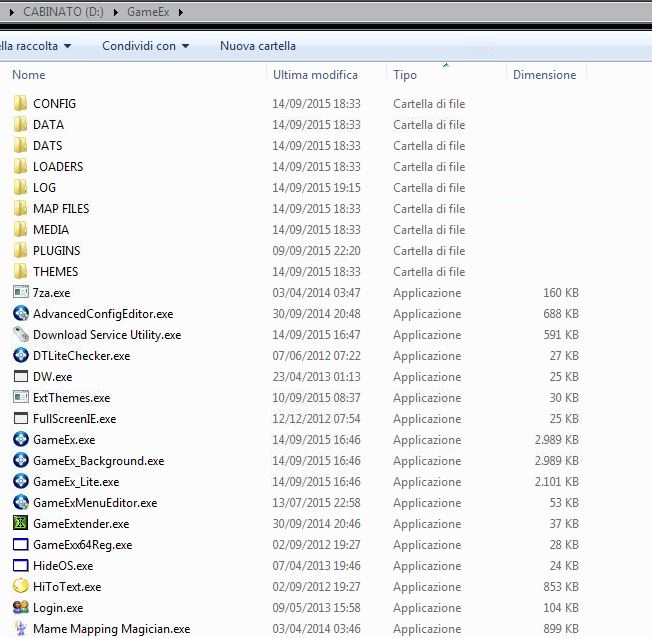
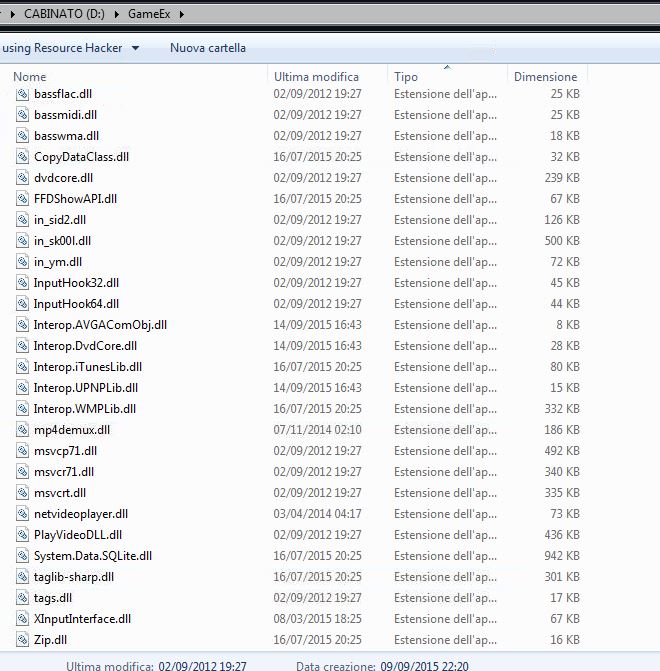
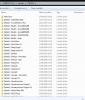
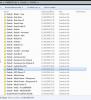
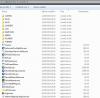
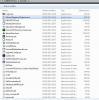
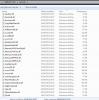
i link a screen capture of file presente in gameex folder. if you remember after the first time that gameex exploded i format pc and restarted everything
-
used default-default. black screen. doesent start. i will make all the tests you need. i hope i will solve or the programmer will find this bug GameEx.ini log.txt
-
used default-default. black screen. doesent start
-
i ve installed latest verison as you said. nothing start, log.txt GameEx.ini