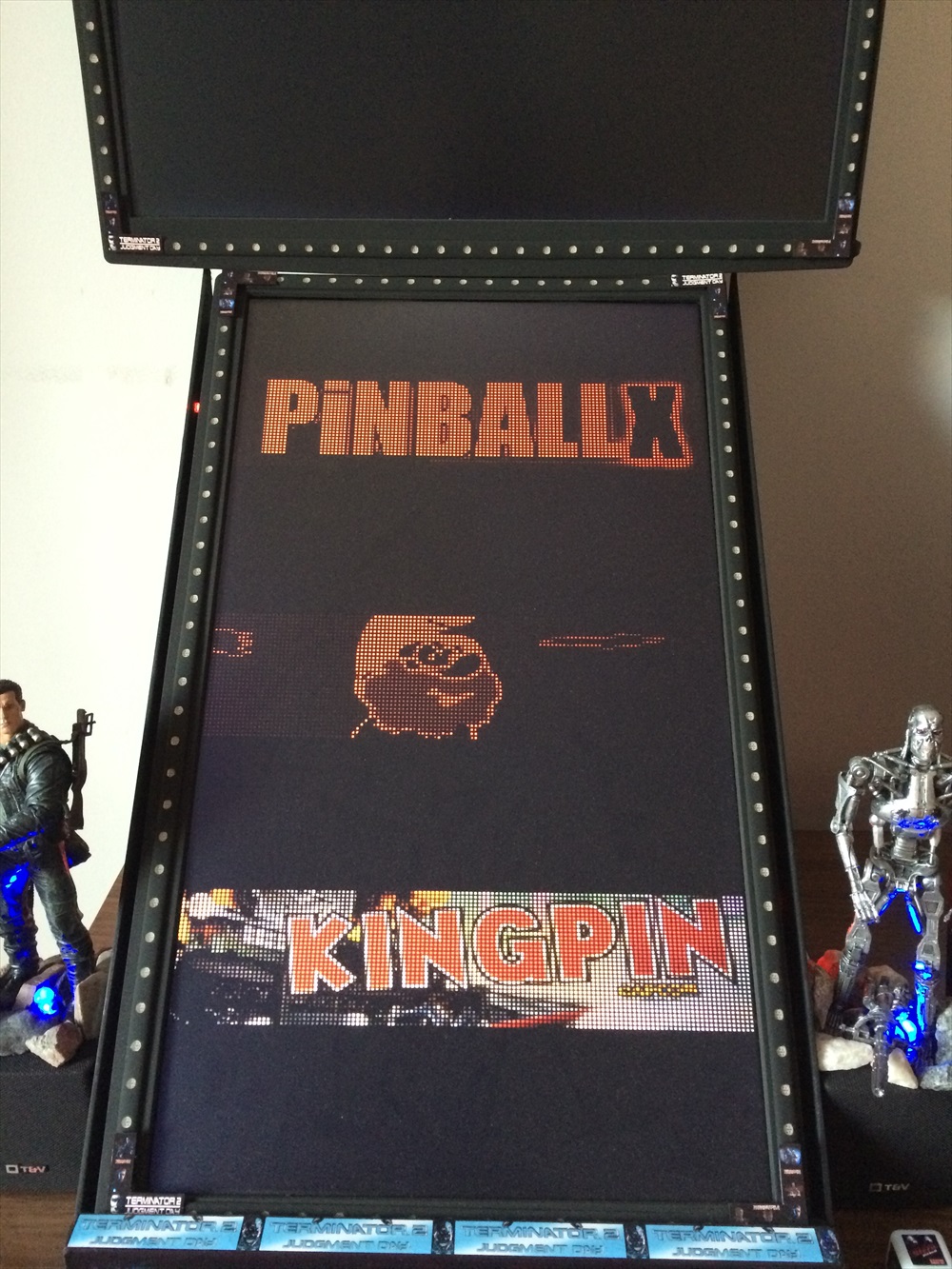
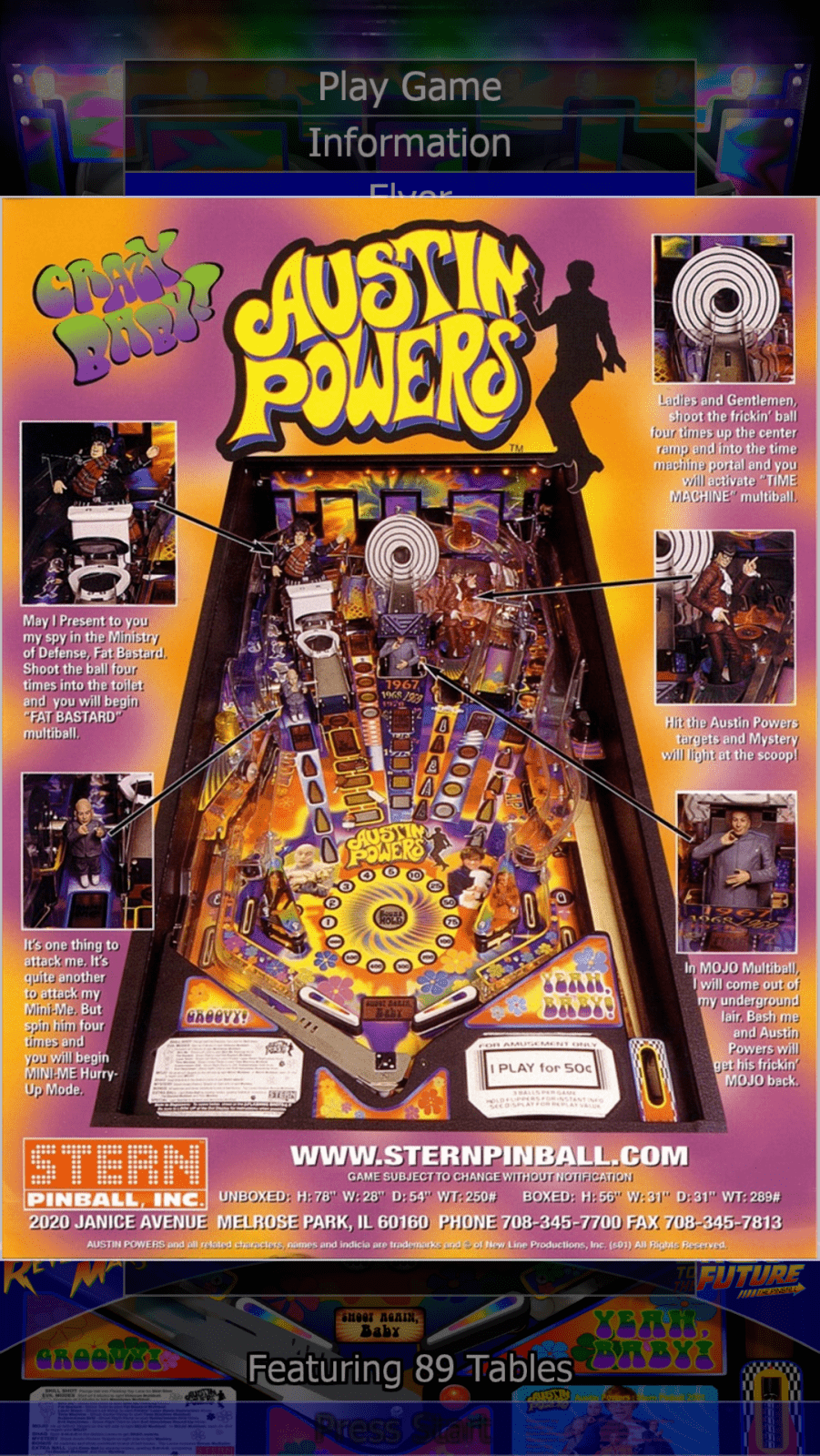
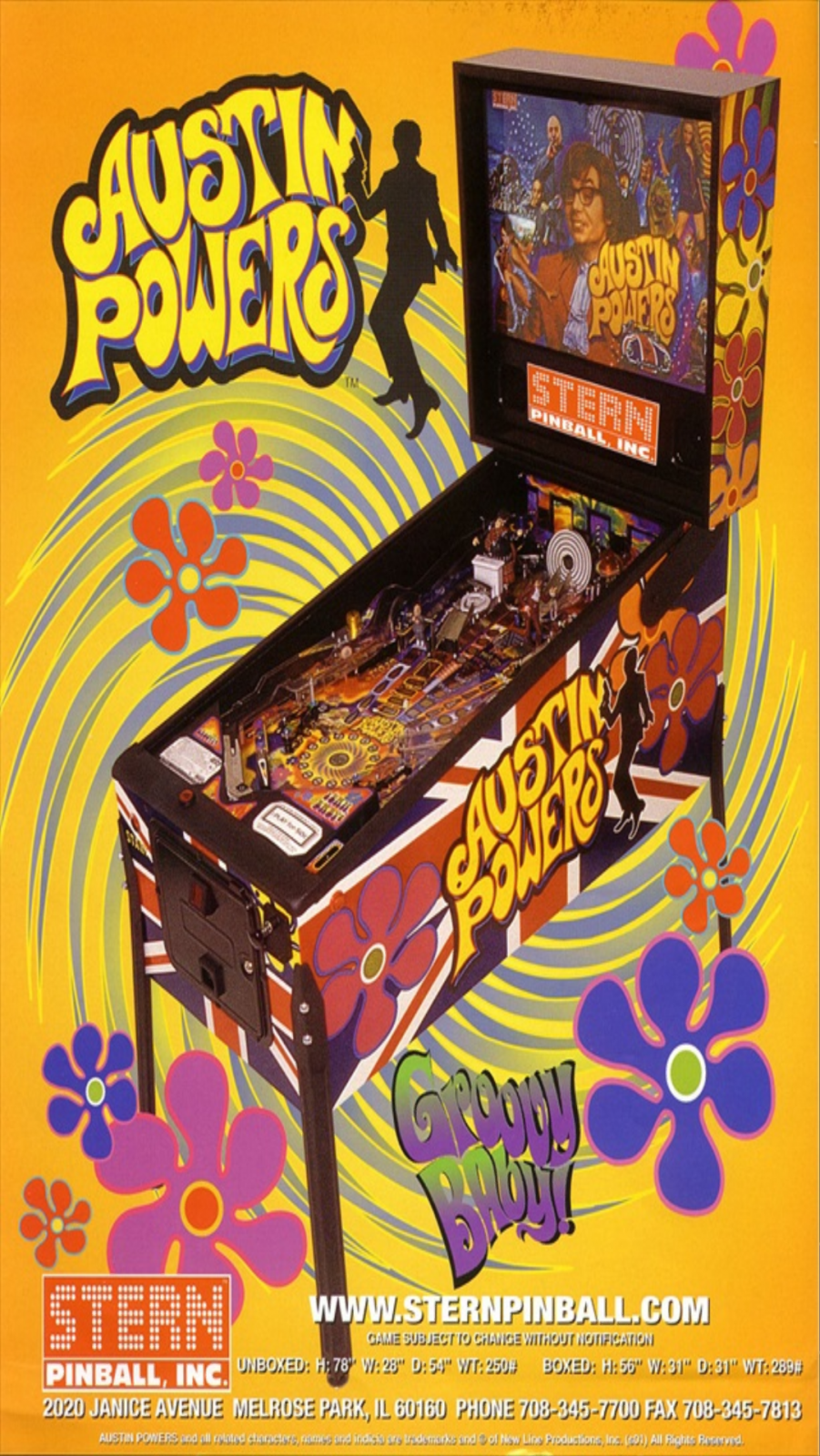
|



Turkee32
-
Posts
47 -
Joined
-
Last visited
-
Days Won
2
Content Type
Profiles
Forums
Events
Downloads
Store
Articles
Everything posted by Turkee32
-
I installed the latest version of shark codecs and still can watch the videos in mp4 . ( Gameplan ) . Any Solution ? Thank You
-
Sorry for my English.... if I am using the version you are off the page pinballX .... I'm not using the latest version of shark because the antivirus detects it as a virus me
-
if I use the shark codecs but not the latest version of the official website, because the pc gives me the file as a virus ... use the version that is posted on the website of PinballX Any solution ?
-
I attached. Thanks! log.txt PinballX.ini
-
Hi I have lost some of my pinballs gameplan but I can not make them work. I put them in the correct folder but only 3 videos of me playing a total of 10 . They are in mp4 format and try to modify to avi , flv , etc etc etc and I can not play some solution ?
-
http://www.gameex.info/forums/topic/15032-pinballx-startup-video-problem/
-
Solve it with Camtasia Studio 8. Select new project, set the 1080 * 1920 screen and then select the video presentation. What redimencione and keep it ..... I remain perfect. Problem solved ... everything as before ..... Now what I see is the image flickers when starting Startup .... and I think it is due to the weight of the picture ... probe with a heavy less and no flickering so I'm watching that ..... Greetings!
-
hello I have a problem with the new version 1.87 with the previous version did not pass the startup video is not more full screen, but is much smaller with the previous version looked in full screen. Rotate the image in all positions and I can not see the video in full screen as happened with version 1.85. Any idea?
-
Hi would like to know how command or that I can do, so that when I start the video presentation PinballX, pressing a key cut and turn out the available tables. I want to be like Hyperpin in the presentation of the video, touch a button and cut to start the tables show. Thanks! PinballX.ini log.txt
-
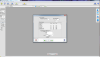
Censored I solved as follows. Use Picture Resize program, take the images that were seen in full screen and modify these values (887 W Pixels - 1153 H). To save them, you have to uncheck the options KEEP ASPECT RATIO and RESAMPLE. (Attached Image). After giving OK, the photos are ready and they look perfect in my Virtual Pin Cabinet. Thanks my Friend!
-
PinballX strecht the flyer. Just keep original size format in 4.3, even with borders. Don't stretch it to 16.3
-
Hello, I have a problem with some flyers, to show them to me since I shows the full screen (Attached picture), and others in a more small screen (Attached picture). I like them to look like the Flayer Back picture. Try to modify the images shown large with measures which are smaller like me, and I can not they are well, still showing on the big screen. Any idea what changed? Thank you!


-
Hello!, I install 2 times the same hard disk .... and another one like PinballX as PinballX DX7. would look like C :/ and C :/ PinballX PinballX DX7. I use the VP and VP dx7 dx9. Use tables with corresponding launcher and everything is going great .... another solution for using more than one version of Visual pinball. Hug!
-
Well, after searching and searching for a solution and did not get any response, I have found one. I have spent the Flyer instructions folder, so they are me directions first and then the flyers of pinballs. When you enter a table, and select flyer, we first see the Instruction for the game, then the flyers. To accomplish this, I put the instructions on the front folder, the front flyers, back in the folder, in the back inside 1, and so continuously. Any doubt I pass photos. Greetings to all and hope it serves the community!
-
Put the file in the folder PinballX / Media / Images / Overlay and Underlay, when in fact placed into PinballX / Media / Images / .... Problem solved. Greetings to all!
-
Hello, in PinballX I achievement not see color wheel. I get trasnparente. I downloaded color wheels, I have substituted the corresponding file, but I keep getting the transparent wheel. Any idea? Thank you!
-
Hello, I would like to know how to configure the Pinball Arcade in PinballX. I can not do it! Use the Pinball Arcade on Steam ..... I've seen youtube videos of people using it since PinballX, but I can not do it. Help! Thank you!
-
Hello, I want to tell my problem and see if there is any solution. In PinballX not achieving the instruction cards show them to me in the first monitor, always appear in the monitor makes backglass. I have set 1 and 2 monitors. When I set only 1 monitor, instruction cards appear correctly on the first monitor, but I have no backglass image on the second monitor, obviously because the monitor is not activated. Attached photos (the first photo shows as seen instruction card with both monitors enabled, the second photo shows how it looks instruction card when I turn the monitor makes backglass and the third, my current settings PinballX ) Is there any way to have 2 monitors configured cards and instructions displayed on the first monitor? I've tried everything and I can not solve. Thank you all!


-
Well, the videos of the tables is already fitted, install the Shark Codecs and everything works fine. What I can not solve is that the cards appear Click on the monitor makes playfield, displayed on the monitor makes backglass .... any ideas?
-
PinballX.ini [Display]Monitor=0Rotate=270Windowed=FalseWindowWidth=480WindowHeight=720WindowX=0WindowY=65PlayFieldBrightness=230WheelTextColor=ffffffffWheelTextOutlineColor=ff000000InfoTextColor=ffffffffInfoTextOutlineColor=ff000000FilterTextColor=ffffffffFilterTextOutlineColor=ff000000MenuColor=ffffa500FullScreenWindowed=True[backGlass]monitor=1x=0y=0width=1600height=900[DMD]Enabled=Falsemonitor=2x=0y=0width=900height=300[FileSystem]EnableFileMatching=True[interface]DesktopModeEnabled=FalseEnableAdditionalDetail=TrueShowSystem=TrueShowRatings=True[Audio]StreamVolume=90SampleVolume=90PlaySoundInVideos=True[startup]playsound=Trueplayvideo=TrueStartWithWindows=No[KeyCodes]quit=27left=160right=161select=13rotate=82pageleft=33pageright=34exitemulator=27ingame=80screenshot=83screenshotbackglass=66instructions=73[JoyCodes]quit=10left=0right=1select=2rotate=3pageleft=4pageright=5exitemulator=6ingame=13instructions=14[Text]Line1=Free PlayLine2=Press Start[FuturePinball]Enabled=FalseWorkingPath=h:\-PINBALL-\-FUTURE PINBALL-TablePath=h:\-PINBALL-\-FUTURE PINBALL-\TablesExecutable=Future Pinball.exeParameters=/open "[TABLEPATH]\[TABLEFILE]" /play /exit /arcaderenderLaunchBeforeEnabled=falseLaunchBeforeWorkingPath=LaunchBeforeExecutable=notepad.exeLaunchBeforeHideWindow=FalseLaunchBeforeWaitForExit=TrueLaunchAfterEnabled=FalseLaunchAfterWorkingPath=LaunchAfterExecutable=notepad.exeLaunchAfterHideWindow=FalseLaunchAfterWaitForExit=TrueMouseClickFocus=True[VisualPinball]Enabled=TrueWorkingPath=C:\Arcades\Visual PinballTablePath=C:\Arcades\Visual Pinball\TablesExecutable=VPinball.exeParameters=/play -"[TABLEPATH]\[TABLEFILE]"LaunchBeforeEnabled=falseLaunchBeforeWorkingPath=LaunchBeforeExecutable=notepad.exeLaunchBeforeHideWindow=FalseLaunchBeforeWaitForExit=TrueLaunchAfterEnabled=FalseLaunchAfterWorkingPath=LaunchAfterExecutable=notepad.exeLaunchAfterHideWindow=FalseLaunchAfterWaitForExit=TrueNVRAMPath=C:\Arcades\Visual Pinball\nvram[ExitScreen]Enabled=TrueEnableExit=TrueEnableShutdown=True[startupProgram]Enabled=falseWorkingPath=Executable=notepad.exeParamaters=HideWindow=trueWaitForExit=false[ExitProgram]Enabled=FalseWorkingPath=Executable=notepad.exeParamaters=HideWindow=FalseWaitForExit=[AttractMode]Enabled=TrueTimer=1ShowFor=15[system_1]Name=Pinball FX2Enabled=FalseWorkingPath=C:\SteamTablePath=C:\Steam\TablesExecutable=PinballFX.exeParameters=[system_2]Name=MAMEEnabled=FalseWorkingPath=C:\- EMULATORS -\- MAME -TablePath=C:\Executable=mamep64.exeParameters=[TABLEFILE][AutoExit]Enabled=TrueMinutes=10[Login]Enabled=False[internal]lastselected=Bad Cats (Williams 1989)Bad CatsVisualPinballfilter_year=filter_company=filter_custom=filtername=Tables[General]Language=Spanish[setupWizard]EmuPath1=C:\EmulatorsAssetPath1=C:\AssetsRomPath1=C:\RomsDefaultPathPrompt=TrueDownloadDatabasePrompt=TrueDownloadEmulatorPrompt=TrueWizardMode=2CustomArray=General Settings|Display Settings|Audio Settings|GameEx Online|Startup Settings|Keyboard Input Settings|Joystick Input Settings|Text|Future Pinball|Visual Pinball|Other Systems|Attract Mode|Auto Exit|Exit Screen|Exit ProgramSearchArray=SavePosition=FalseSectionIndex=19SearchText=EmulatorIndex=0EmulatorGroupIndex=0DaphneIndex=0HTMLAppsIndex=0ExternalAppsIndex=0RadioStationsIndex=0NewsFeedsIndex=0MappedDrivesIndex=0SystemIndex=0ShowPanel=FalseFontSize=1WindowState=2WindowSize=650,478WindowLocation=2395,211[Plugin_1]Enabled=FalseName=PlugInSpeech.dll[Plugin_2]Enabled=FalseName=QuickLaunch (PinballX Edition).dll[Plugin_3]Enabled=FalseName=Xpadder Plugin.dll Log.txt 23:39:23.0 02/06/2014: PinballX - Version 1.8523:39:23.0 02/06/2014: Loading Settings23:39:23.0 02/06/2014: Initialize Component23:39:23.1 02/06/2014: Initialize Display23:39:23.1 02/06/2014: Loading PlugIns23:39:23.4 02/06/2014: Created DirectX BackGlass Window23:39:23.4 02/06/2014: Hiding Cursor23:39:23.5 02/06/2014: Hiding Taskbar23:39:23.5 02/06/2014: Load Game List23:39:23.6 02/06/2014: Loading Database: Visual Pinball23:39:23.6 02/06/2014: Finding and matching artwork and videos23:39:23.8 02/06/2014: Loading Game Statistics and Scores23:39:24.6 02/06/2014: Initialize Audio23:39:24.7 02/06/2014: Set Keyboard Controls23:39:24.7 02/06/2014: Initialize Joystick23:39:24.8 02/06/2014: 1 Joysticks Attached23:39:24.8 02/06/2014: Started23:39:45.1 02/06/2014: Exiting23:39:45.1 02/06/2014: Showing Taskbar23:39:45.1 02/06/2014: Unhiding Mouse Cursor23:39:45.1 02/06/2014: Disposing Plugins23:39:45.1 02/06/2014: Saving Settings
-
Hi, I have some problems with the Front End PinballX. No videos shows me the tables, but if the Backglass. The instructions appear on the second monitor me, not the first. All in folders that correspond, in fact, the Hyperpin me everything works fine ... Any solution to these problems? I have installed the latest version of PinballX