|



ohioetaphi
-
Posts
7 -
Joined
-
Last visited
Content Type
Profiles
Forums
Events
Downloads
Store
Articles
Everything posted by ohioetaphi
-
Great Success! Deleting the \atrworkgamex folder from the MAME folder has cleared it up. Thanks very much for your help.
-
Files attached. I tried to see if there were differences in the game-specific .ini files that MAME was creating, but I didn't see anything relevant that was different - in the examples I've attached, "Commando" shows the issue, but "Scramble" does not... Thanks! mame.ini commando.ini scramble.ini
-
And no Plug Ins are enabled (per the plug in manager app or the .ini file) Thanks!
-
It;s during play - there's a screenshot attached below. Thanks!
-
-
I have set both places (the one you mentioned, and one under Advanced MAME settings) to not show the bezel, but it continues to appear - it only does so on certain games. Is there an .ini file or something that I could look at to see if the setup wizard is making the correct config entry? Is there keyboard command that I could use in-game to toggle it? Thanks!
-
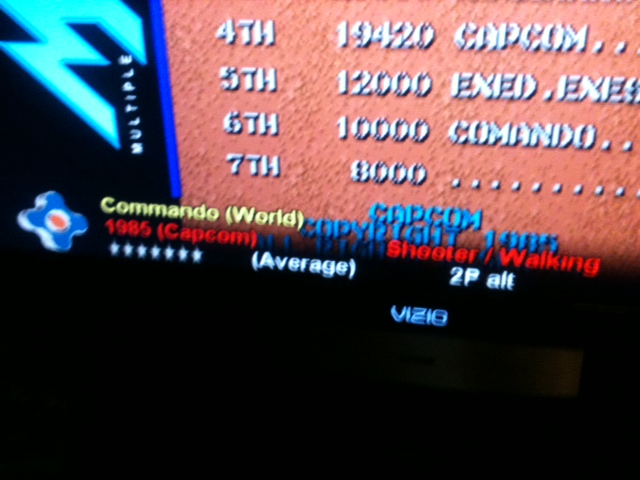
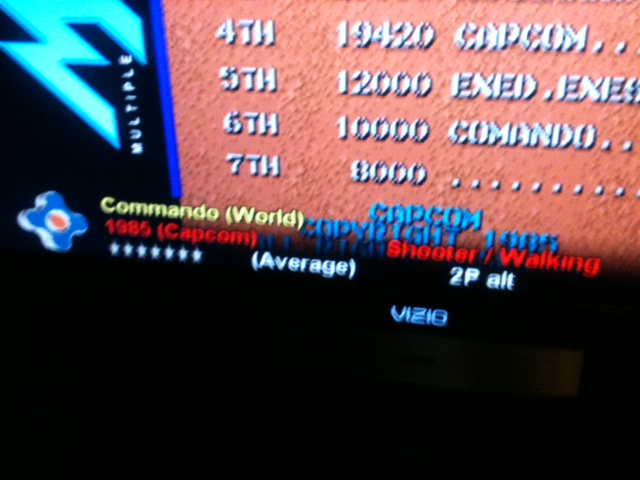
I'm at a bit of a loss - I can't figure out what to call this feature - it's kind of a banner across the bottom of the screen that has the game name and information - it obscures the bottom of the screen in SOME (but not all) MAME games. This seems like something that would be controlled from/by GameEx rather than from MAME. I've tried all the keyboard/joystick commands I could find on the GameEx docs, but none of em turned it off/on. Since I'm not sure what it's called, it's really hard to search... I've run thru the GameEx config wizard a number of times to see if I could find a setting for it with no luck. Thanks!