|



dudunkle
-
Posts
70 -
Joined
-
Last visited
Content Type
Profiles
Forums
Events
Downloads
Store
Articles
Everything posted by dudunkle
-
Thanks!
-
Hi, Can I load a startup movie from configuration menù of gameex? When I switch on my pc, I want visualize first the video and then gameex must start. Thanks
-
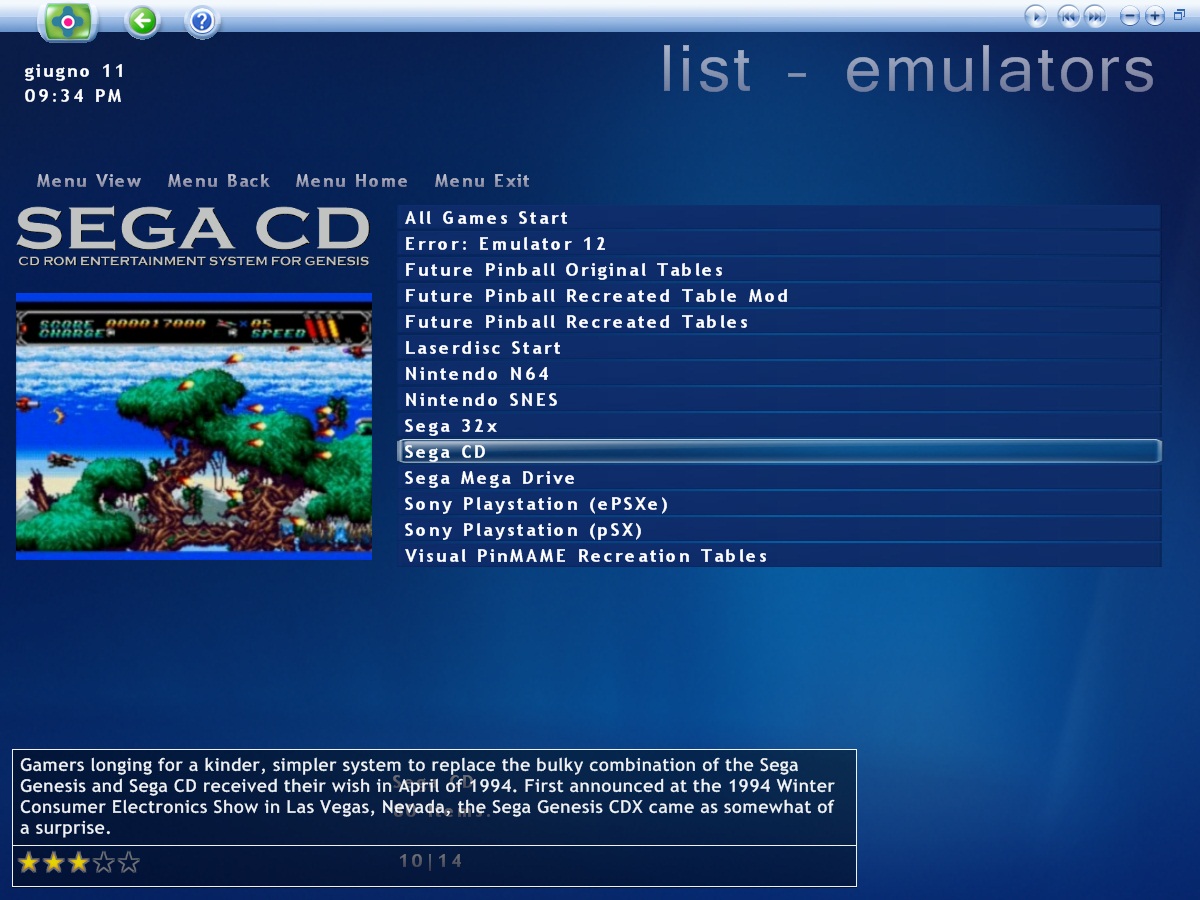
Hi Mesk! Yes, I have videos snap for these emulators. However when I'm on this screen (see attached) and I go on emulators for playstation and future pinball, I donâ??t see the videos snap preview. Must I change some setting? Thanks.
-
Hi! Can I exclude â??arcade ambianceâ? when you enter in an menù emulator, so that background music does not interfere with the preview of video games? Thanks!
-
Hi! The selection menu of GameEx emulators does not supply preview video, the logo of the playstation emulator and snap future pinball. On the contrary the preview video for the other emulators there is. What is the problem? Thanks.
-
The roms for psx have different formats: .bin .bin .ape .bin .cue .ccd .img. sub .mdf .mds Iâ??m using both emulators PXS and ePSXe because some games that work with PXS not run on ePSXe and vice versa.... Configure pSX with GameEx has not given to me no problems! I have changed the command line as suggested and now the games of GameEx start! It also start the games that have a different extension of .bin! Thanks!!
-
But when I try to load a game, the following error compare: Do you know where I mistake? error.bmp
-
I have changed the command line in following way: ePSXe.exe -nogui "[ROMPATH]\[ROMFILE]"
-
I don't use a ISO Mounting Support for load the games, I kept the default configuration of GameEx...
-
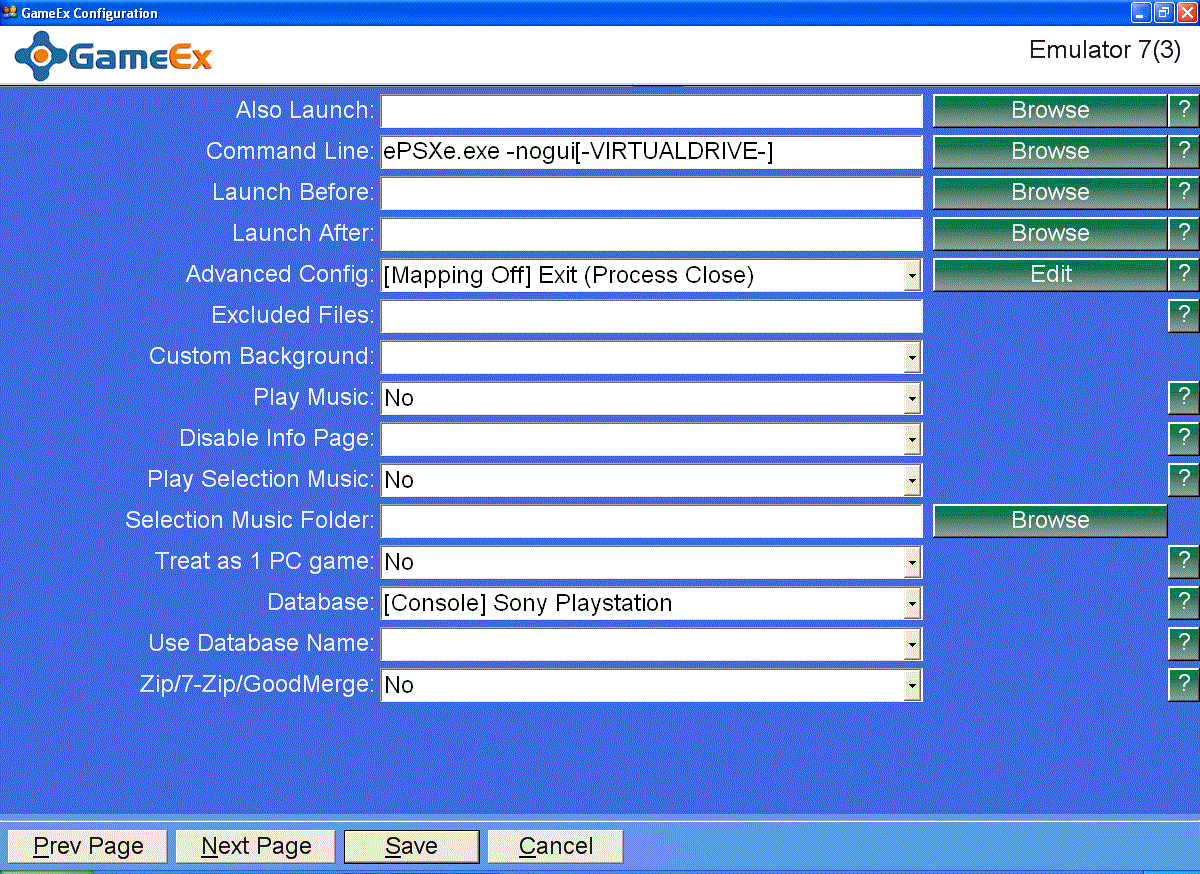
GameEx try to run the emulator and then returns back right away. This is the configuration with emulator epsxe: [Emulator_7] Enabled=True STARTPAGENAME=Sony Playstation (ePSXe) TITLETEXT=Sony Playstation StartPageLogo=Sony Playstation ROMFilter=*.bin;*.img;*.mdf RomPath=C:\EMU\PSX\ROMS RomsInFolders=True SnapPath=C:\EMU\PSX\VIDEO TitlePath= BoxPath=C:\EMU\PSX\BOX ART CartPath= ManualPath= ControlPanelPath= InstructionsPath= TVAdPath= MusicPath= ImageNotFound= WorkingPath=C:\EMU\PSX\epsxe170 MapKeys=True WaitBeforeKeys= SendKeys= ReplaceDash=False ReplaceUnder=True Capitals=False RemoveBrackets=True ShowDesktop=True Debug=False MAPFile=[Console] Sony Playstation.map AlsoLaunch= Command=ePSXe.exe -nogui[-VIRTUALDRIVE-] LaunchBefore= LaunchAfter= ConfigFile=[Mapping Off] Exit (Process Close) ExcludedFiles= CustomBackground= PlayMusic=False DontShowInfo= PlaySelectionMusic=False SelectionMusicFolder= PCGame=False Database=[Console] Sony Playstation UseDbName= GamesIn7Zips=False MergeSets= PlayInScreenSaver=False ShowMostPlayed=True RandomMostPlayed=True CDCheck=False CDCheckFile= CustomArtName1= CustomArtPath1= CustomArtName2= CustomArtPath2= CustomArtName3= CustomArtPath3= CustomArtName4= CustomArtPath4= CustomArtName5= CustomArtPath5= GameExtenderCustomArtPath= GameExtenderConstants= System=Sony Playstation Category=Console Emulator=ePSXe Version=1.70 Rating=8.3 DownloadUrl=http://www.gamesdbase.com/setupwizard/emulators/download/epsxe.7z RequiredFiles=scph1001.bin (512kb) Website=http://www.epsxe.com/ Info=Sony Playstation Emulator
-
Sorry, how do you export the configuration...?
-
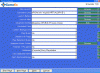
Hi, I have configured GameEx with emulator epsxe, but the games donâ??t start. I think the problem is in these pages... Does anyone know where am I wrong? Thanks
-
I have tested by changing the command-line. Now the games start to GameEx! These are the new command-line included in GameEx: -framefile C:\EMU\daphne-1.0v-win32\vldp_dl\lair2\dl2-framefile.txt -blank_searches -min_seek_delay 1000 -seek_frames_per_ms 20 -homedir C:\EMU\daphne-1.0v-win32 -sound_buffer 2048 -x 640 -y 480 -framefile "C:\EMU\daphne-1.0v-win32\MPEGs\Esh's Aurunmilla\esh.txt" -blank_searches -min_seek_delay 1000 -seek_frames_per_ms 20 -homedir C:\EMU\daphne-1.0v-win32 -sound_buffer 2048 -x 640 -y 480 -framefile "C:\EMU\daphne-1.0v-win32\MPEGs\Laser GP\lasergp.txt" -blank_searches -min_seek_delay 1000 -seek_frames_per_ms 20 -homedir C:\EMU\daphne-1.0v-win32 -sound_buffer 2048 -x 640 -y 480 Thanks guys!
-
Yes, I use the same command-line! My daphne configuration file from gameex is: Rom: lair2 Command-line: daphne.exe lair2 vldp -framefile C:\EMU\daphne-1.0v-win32\vldp_dl\lair2\dl2-framefile.txt -blank_searches -min_seek_delay 1000 -seek_frames_per_ms 20 -homedir C:\EMU\daphne-1.0v-win32 -sound_buffer 2048 -x 640 -y 480 Rom: gpworld Command-line: daphne.exe gpworld vldp -framefile "C:\EMU\daphne-1.0v-win32\MPEGs\Laser GP\lasergp.txt" -blank_searches -min_seek_delay 1000 -seek_frames_per_ms 20 -homedir C:\EMU\daphne-1.0v-win32 -sound_buffer 2048 -x 640 -y 480 Rom:esh Command-line: daphne.exe esh vldp -framefile "C:\EMU\daphne-1.0v-win32\MPEGs\Esh's Aurunmilla\esh.txt" -blank_searches -min_seek_delay 1000 -seek_frames_per_ms 20 -homedir C:\EMU\daphne-1.0v-win32 -sound_buffer 2048 -x 640 -y 480 Thanks!
-
Hi, Iâ??m shaping gameex with daphne, and the following games donâ??t start: eshâ??s aurunmilla, dragonâ??s lair 2 and gp word. If I start the games of gameex, this error appears: Immagine.bmp The same games run, If I use directly DaphneLoader. What do you think about this problem? Thanks! Stefano
-
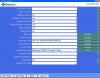
Hi, After configurations problems of SEGA CD, I am struggling with the SEGA SATURN... Gameex starts the SSF emulator, but the emulators windows is black and the game does not start. The roms are in extension: bin, cue or iso. Something may be wrong in the setup... This is my current configuration of the emulator: Thanks


-
It works!!! Thanks!
-
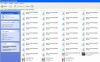
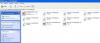
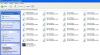
These are my roms: Thanks
-
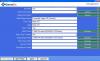
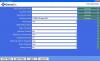
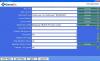
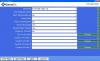
This is actually emulator setting:
-
Hi I can't execute the SEGA CD's roms in ISO format with Gameex. I use kega fusion emulator. Gameex detect the SEGA CD's roms, but i can't start games. I try to change the command line. I am able only to start the SEGA CD's boot. How do i do? Thanks