|



kcoops
-
Posts
160 -
Joined
-
Last visited
Content Type
Profiles
Forums
Events
Downloads
Store
Articles
Everything posted by kcoops
-
Sensible World of Soccer (winuae loader) plays perfectly until I attempt a career game. Then the screen goes blank, and it crashes. Any ideas why? Thanks.
-
I'm having some real issues key mapping for my 2 player IPAC controller. Is there a guide anywhere? Thanks.
-
That's absolutely fantastic. Awesome work!
-
I've managed to get this to work. Now I need to find a solution to the save issue. It asks to put a blank floppy into port DF0. However, this means exiting GameEX and manually switching swos disk 1 with save disk. Is there a way around this so you do not have to go into winuae?
-
I can't for the life of me figure out how to get SWOS to work through GameEX. I can get it to work directly through WinUAE by loading the config up, adding the two adf's, and away I go. But I get nothing through GameEX. I've tried loading the configs, and nothing, just black screen. Has anyone got SWOS to work through GameEX? Any help much appreciated.
-
does this work with 1.4.6?
-
Sorted it. Had to go into Mame and turn off artwork and bezels.
-
I have turned off show bezels, but it still displays in small screen, with the artwork.
-
I had the same problem. Update your list and you'll be fine.
-
See attached image. Any way of getting the StreetFighters to play in full screen? Kinda ruins it for me with such a small screen. And what's with the crazy bezel at the bottom? I've seen mame play it full screen. I must be doing something wrong?

-
Doesn't matter. Fixed it. Need to update list. Doh!
-
For Mame only (snes and genesis work fine), I get nothing when trying to search by category. The catver.ini file is in GameEX data folder. Do I need to do anything else? What am I missing? Thanks.
-
LOL. I used to play it ALL the time. But I've slept since then. I'm getting old and my memory ain't what it used to be
-
Do you know where I can get my cursor on a project64 / N64 dat file? Thanks.
-
OK that's all well and good but why go to the trouble if you have mame. What I'm asking is, what is the benefit to using Zinc?
-
Right, I have a 2 player arcade controller. I'm trying to configure it to work with zsnes. A, B, X, Y, L, R appear to be the buttons for the zsnes. But it gives no indication what these are, nor does it indicate which are the primary buttons used. There is also something called TURBO, which I don't understand. There is also Start and Select, which as far as I am concerned are the same thing. I really need some guidance on key mapping here. Any help much appreciated.
-
what's the deal with zinc anyway? Isn't it just the same as mame? It uses mame roms right?
-
Awesome, thank you. Problem solved!
-
OK, so I have started loading my GameEX with avisnaps. I hear the sounds, but the snap is black. what am i doing wrong? Thank you.
-
Ok thanks. I figured it out just a moment ago. Feel like an arse now. I'd love to use clrmamepro but romcenter looks so much easier to work. I've tried clrmamepro and it gets a bit confusing. Are there any simple guides to using it for cleaning rom lists? Thanks again.
-
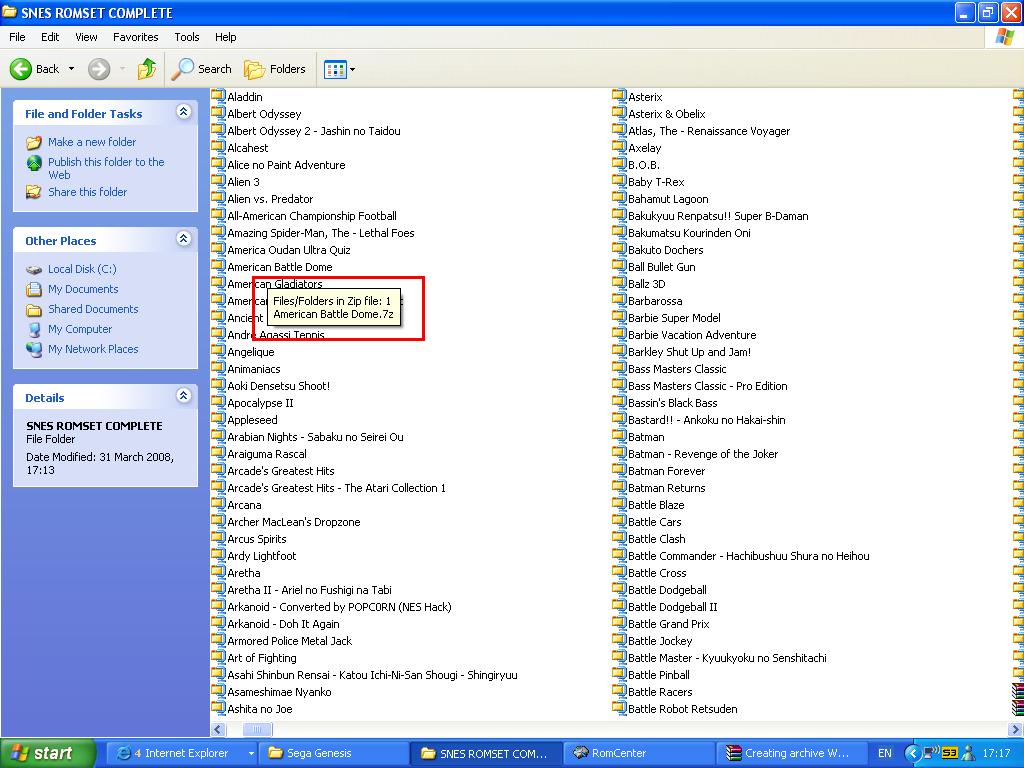
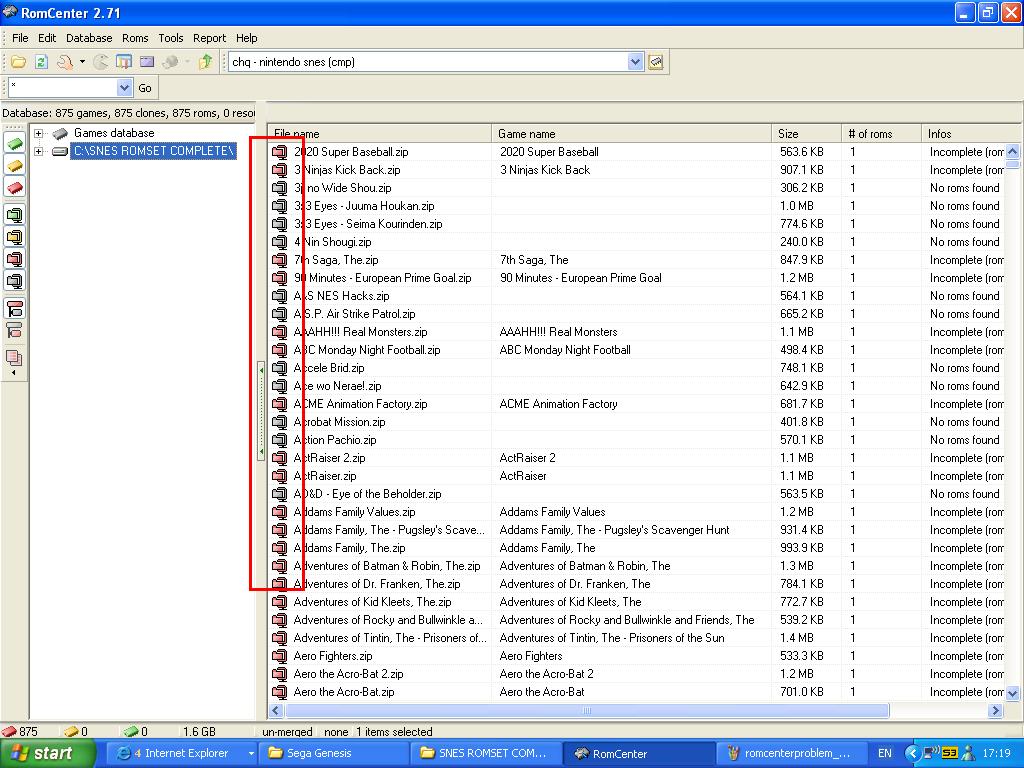
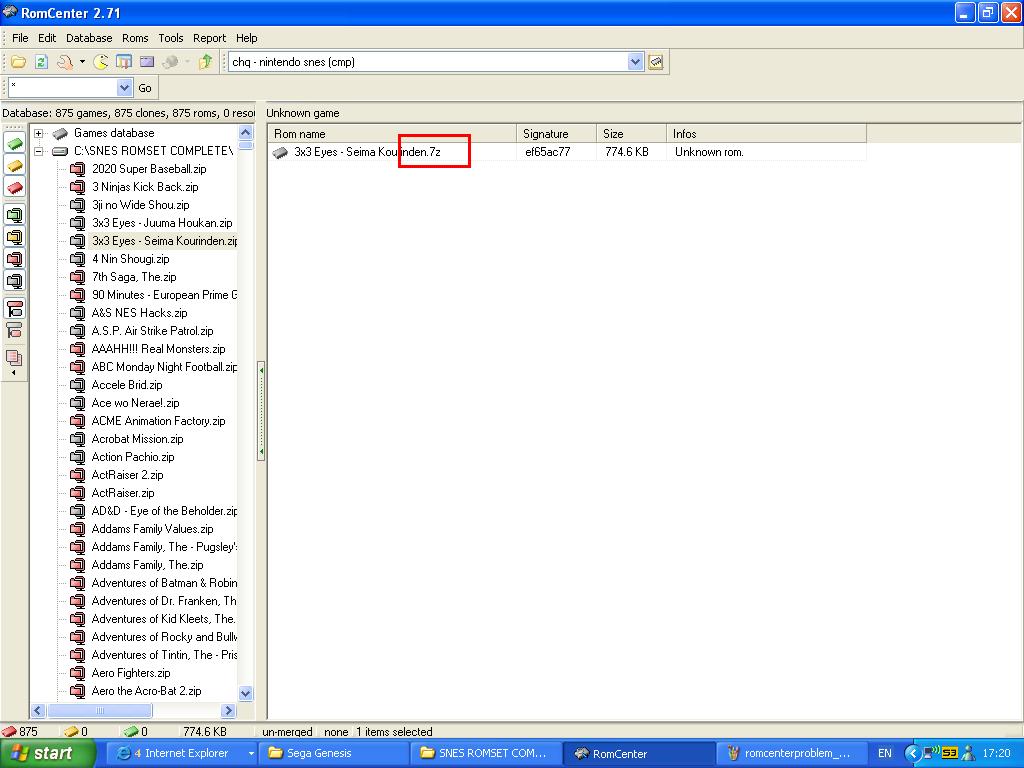
I have a problem. Winrar IS zipping them, but they are still showing as 7z format, and so romcenter still does not recognize them or any of the roms within them. I have attached images for your perusal. romcenterproblem_1 shows that the files are still in 7z format after being 'zipped'. romcenterproblem_2 shows romcenter does not recognize any of the files. romcenterproblem_3 shows again that the zipped files are still 7z. Any help much appreciated.
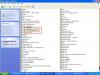
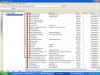

-
Its ok I figured it out. Thanks again!
-
How do you do the opposite almost, and convert a high number of folders into zip files?
-
You're a genius. You've saved me hours and hours of work. Thanks man, much MUCH appreciated.
-
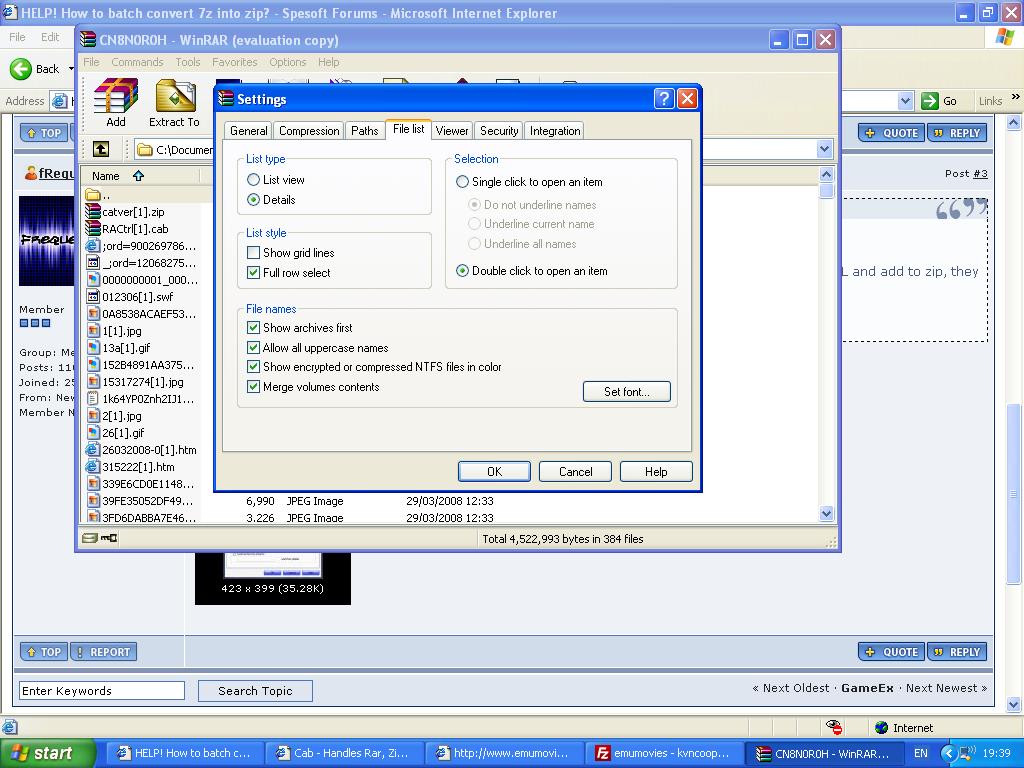
Sounds great. One problem, I dont have that option. See attached image.